Скачать приложение #
Особенности #
- Данное изделие изготовлено с использованием технологии беспроводной передачи данных WiFi+BLE+2.4G, отличающейся низким энергопотреблением и высокой устойчивостью к потере сигнала.
- Поддержка пульта дистанционного управления 2,4 ГГц.
- Working with “Tuya Smart” app, wireless dimming, group control, timer function.
- Support Alexa, Google Assistant, Yandex Alice.
- 1-channel output, Max 1.5A.
- Trailing edge phase-cut dimming.
- Supports minimum brightness setting.
- Built-in temperature detection switch.
Параметры #
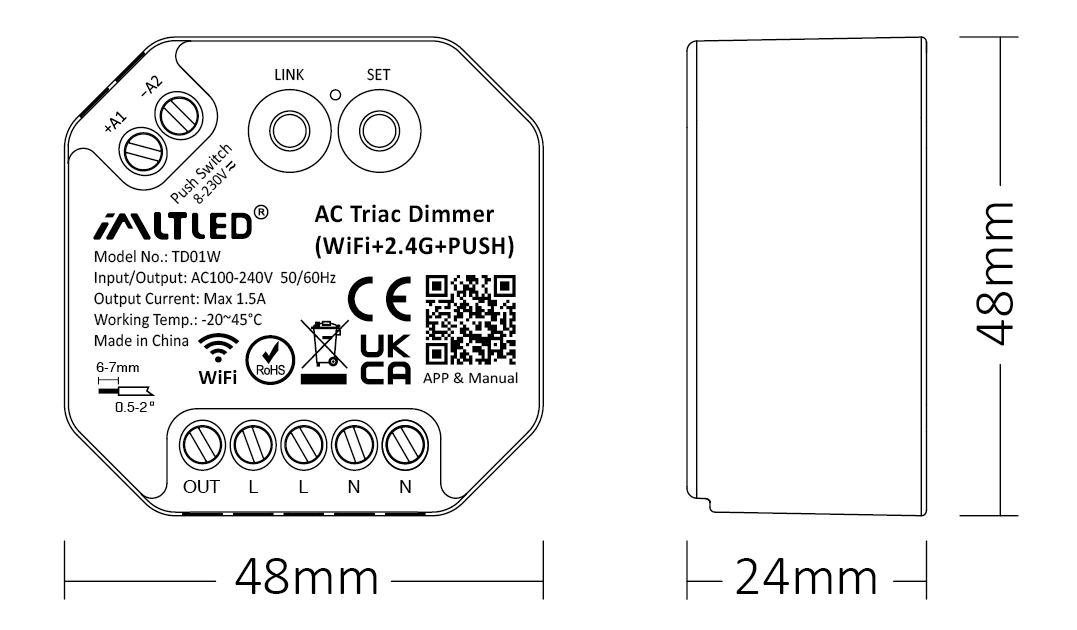
| Модель №: | TD01W |
| Input / Output: | AC100-240V 50/60Hz |
| Output Current: | Max 1.5A |
| Output Power: | 150W@110V, 300W@220V |
| Control Signal: | WiFi + 2.4G + PUSH |
| Control Distance: | 30m |
| IP Rate: | IP20 |
| Working Temp.: | -20~45°C |
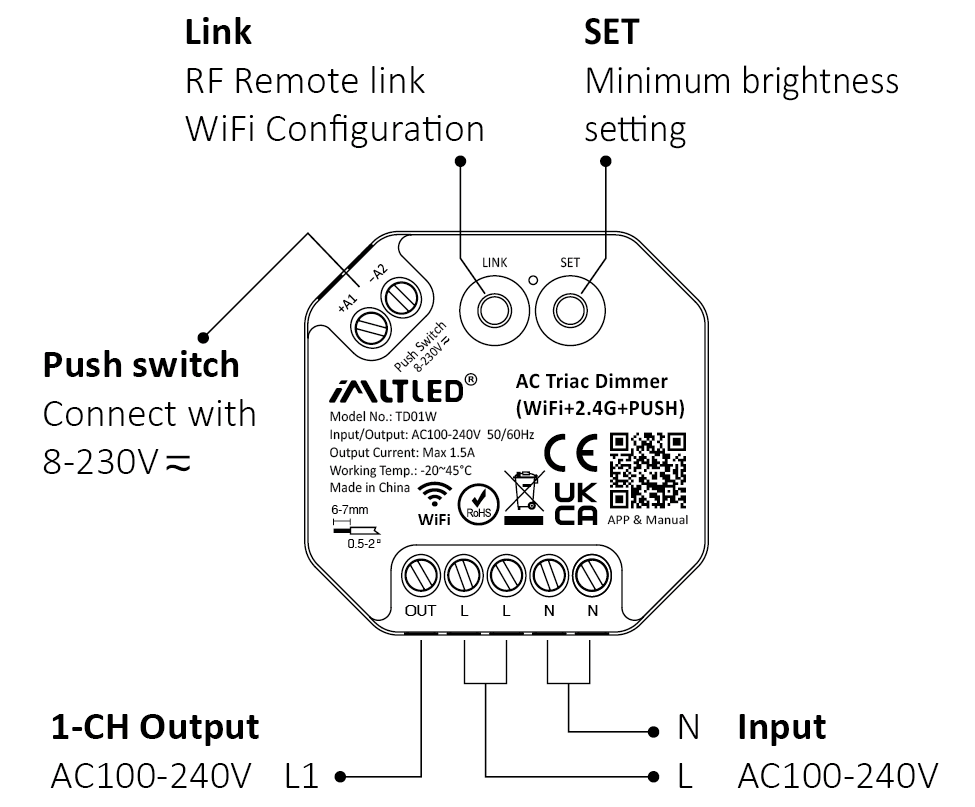
Схема подключения #
Внимание
1. Please cut off power before wiring device.
2. Please check the voltage of power before connecting.
3. It’s high voltage product which need to wire ground line.
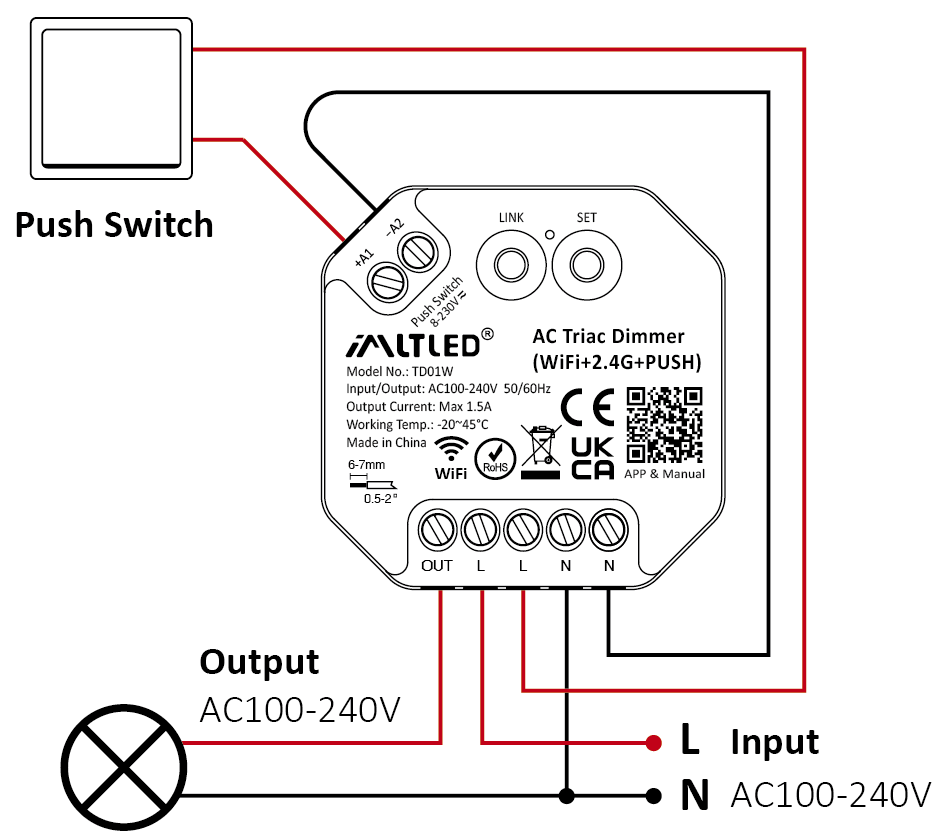
PUSH Dimming #
Short press push switch : Turn on/off light
Длительное нажатие на кнопочный переключатель:
- Stepless dimming brightness
- Long press double times to increase or decrease brightness
Внимание #
- One push switch can connect with various dimmer,please long press push switch 20 seconds to keep all lights in the same brightness.
- One push switch only connect with 25 dimmers (max)
- The cable of push switch can not be over 20m
Сведения о приложении #
Добавление устройства #

1). Подключите контроллер к блоку питания
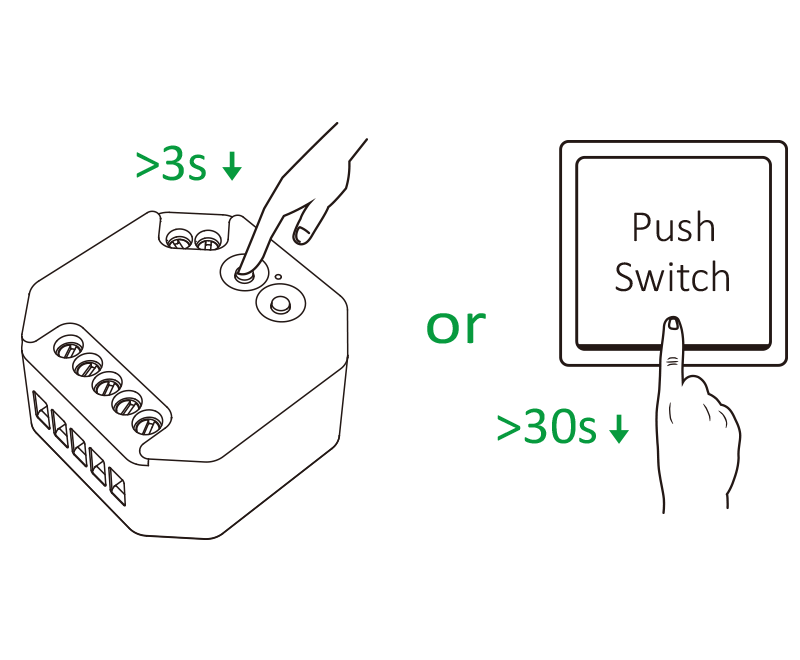
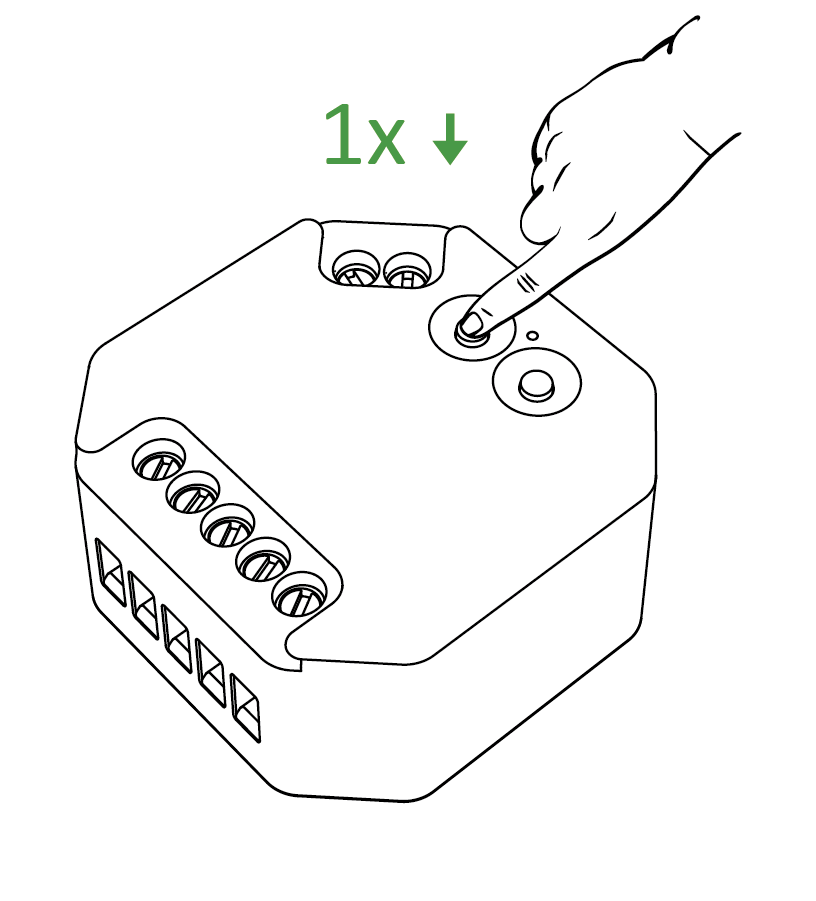
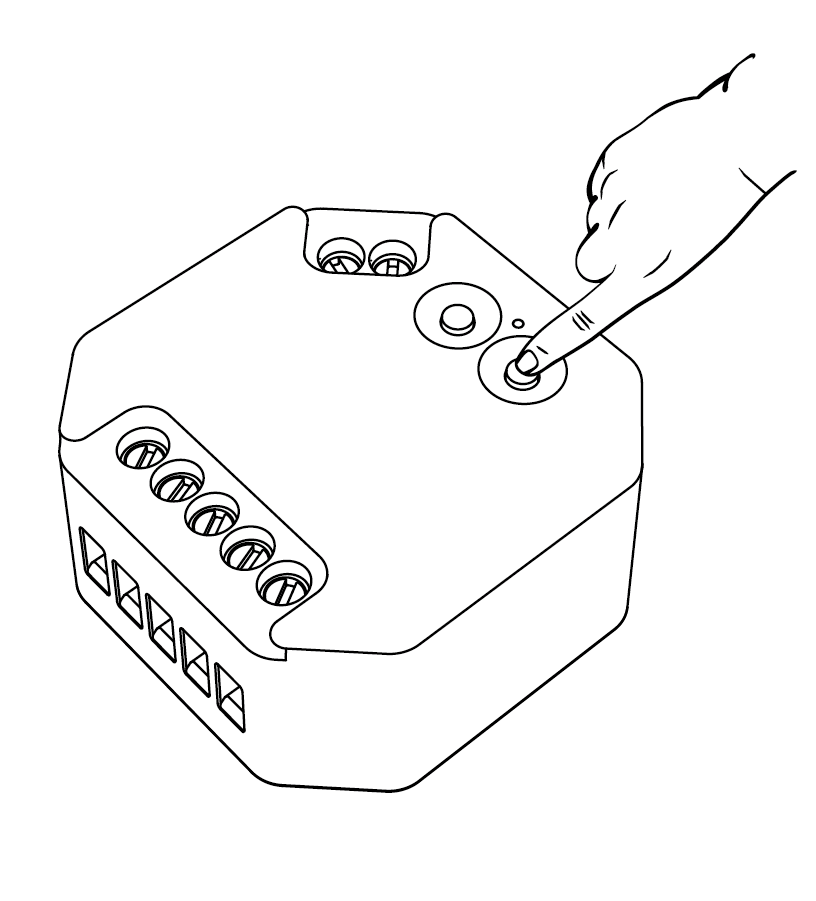
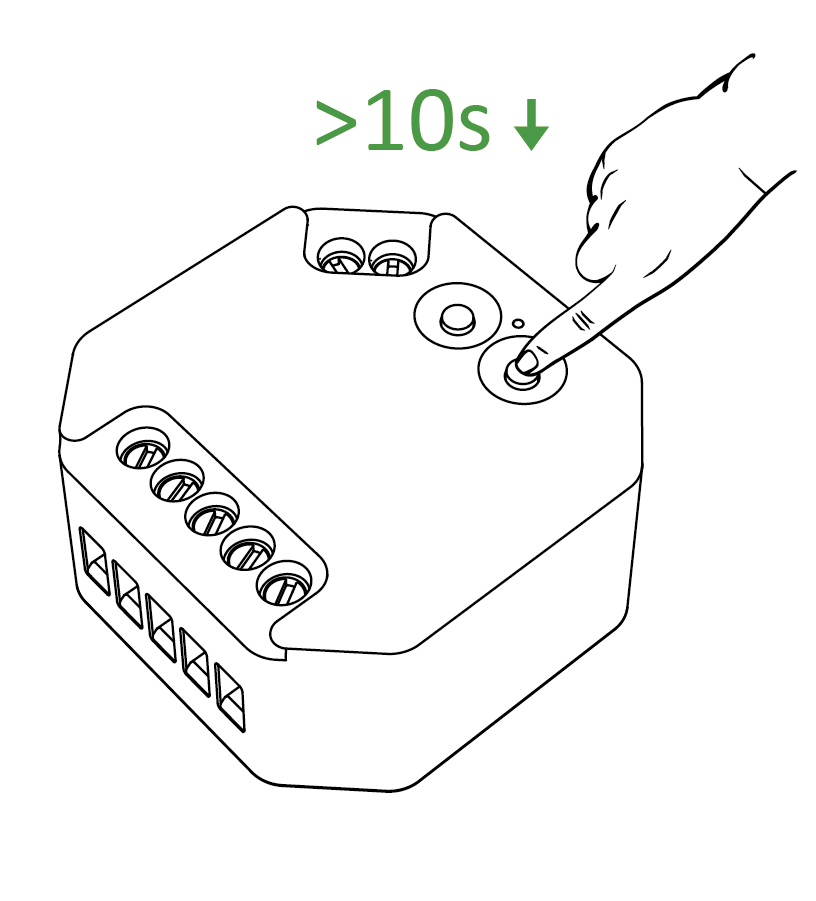
2). Long press “LINK” 3 seconds or long press “ Push Switch ” 30 seconds if indicator doesn't blink quickly
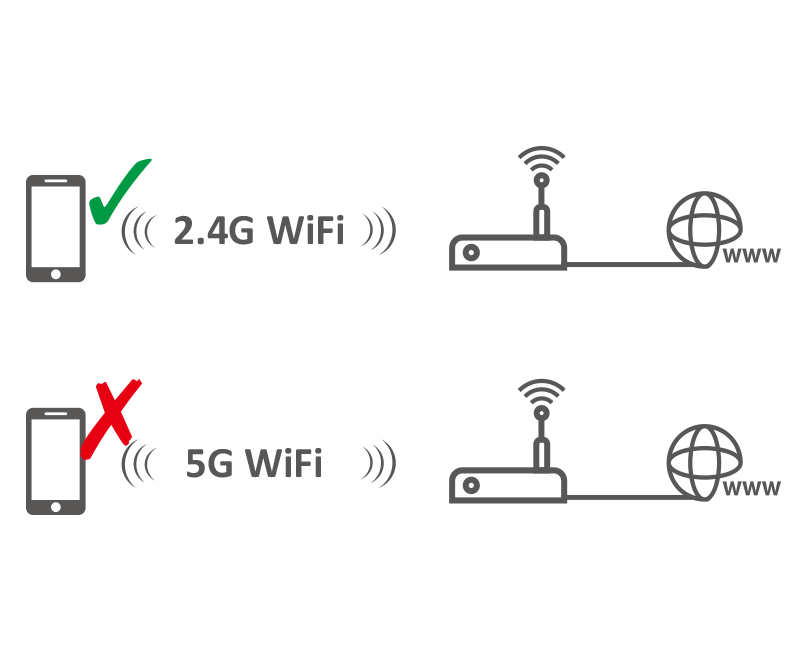
3). Подключите смартфон к сети 2,4 ГГц WiFi
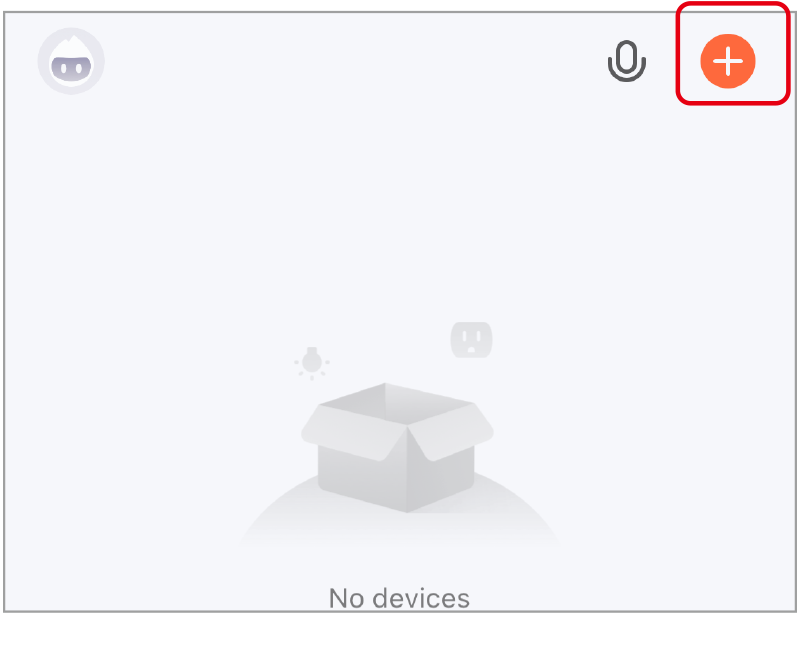
4). Нажмите “+”
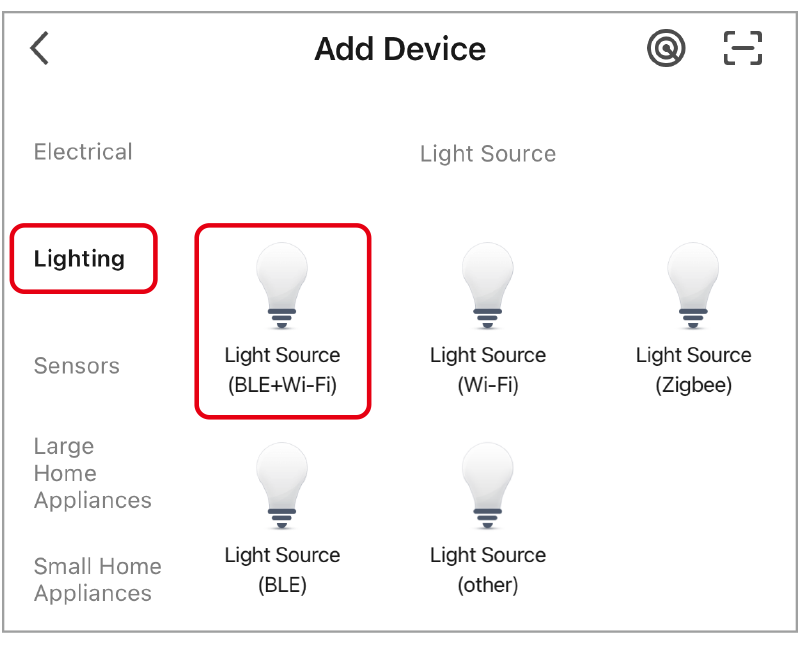
5). выберите “Освещение” и “Источник света (BLE+Wi-Fi)”, а остальные шаги выполните в приложении
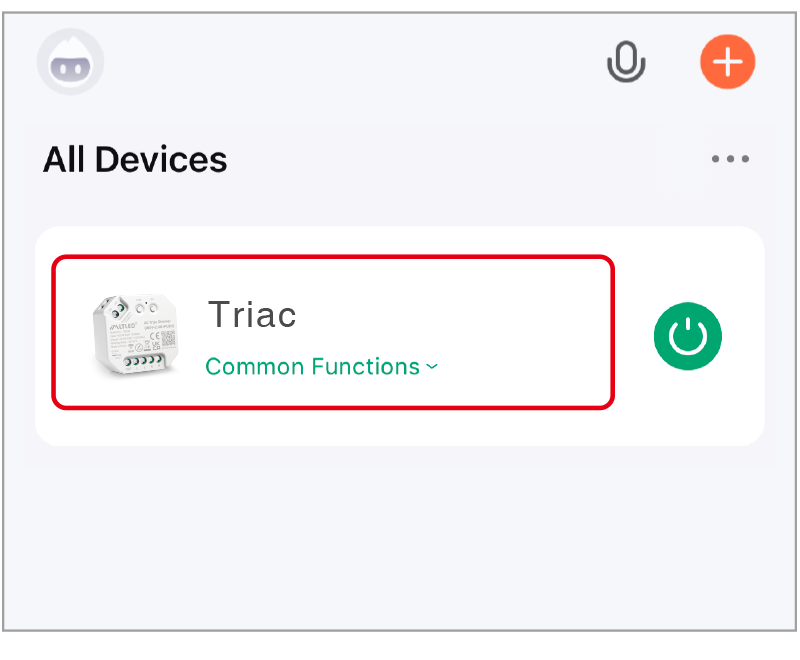
6). Нажмите на устройство, чтобы перейти на главную страницу
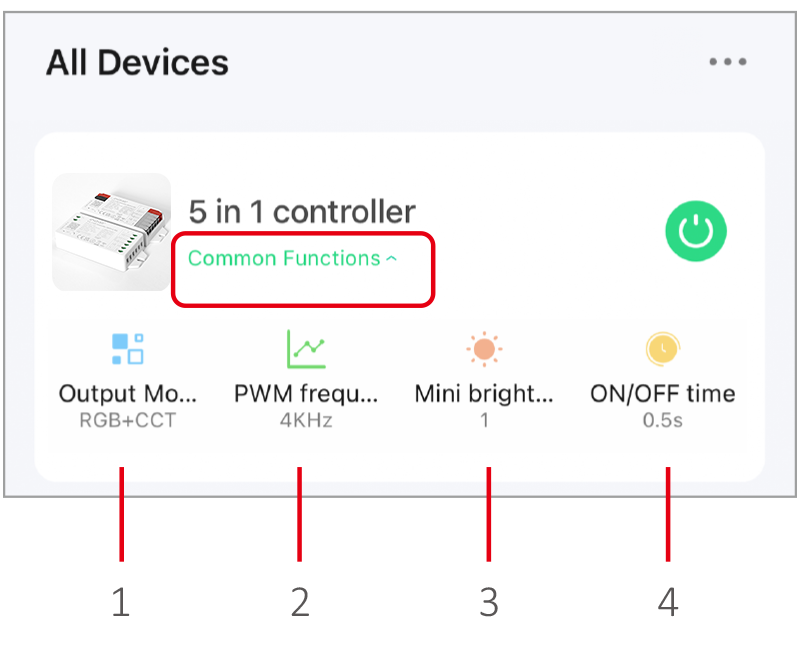
- Output mode: select correct mode to compatible with led strip.
- Частота ШИМ: изменение частоты для устранения шума, исходящего от блока питания.
- Минимальная яркость: наименьшая яркость освещения.
- Время включения/выключения: Состояние индикатора меняется постепенно (по умолчанию — 0,5 с).
Устройство, поддерживающее только высокие частоты, имеет меньшую мощность, а устройство, поддерживающее низкие частоты, — большую мощность и обеспечивает более качественное регулирование яркости. (Заводская настройка по умолчанию для частоты ШИМ составляет 4 кГц).
Подробная информация о голосовом управлении #
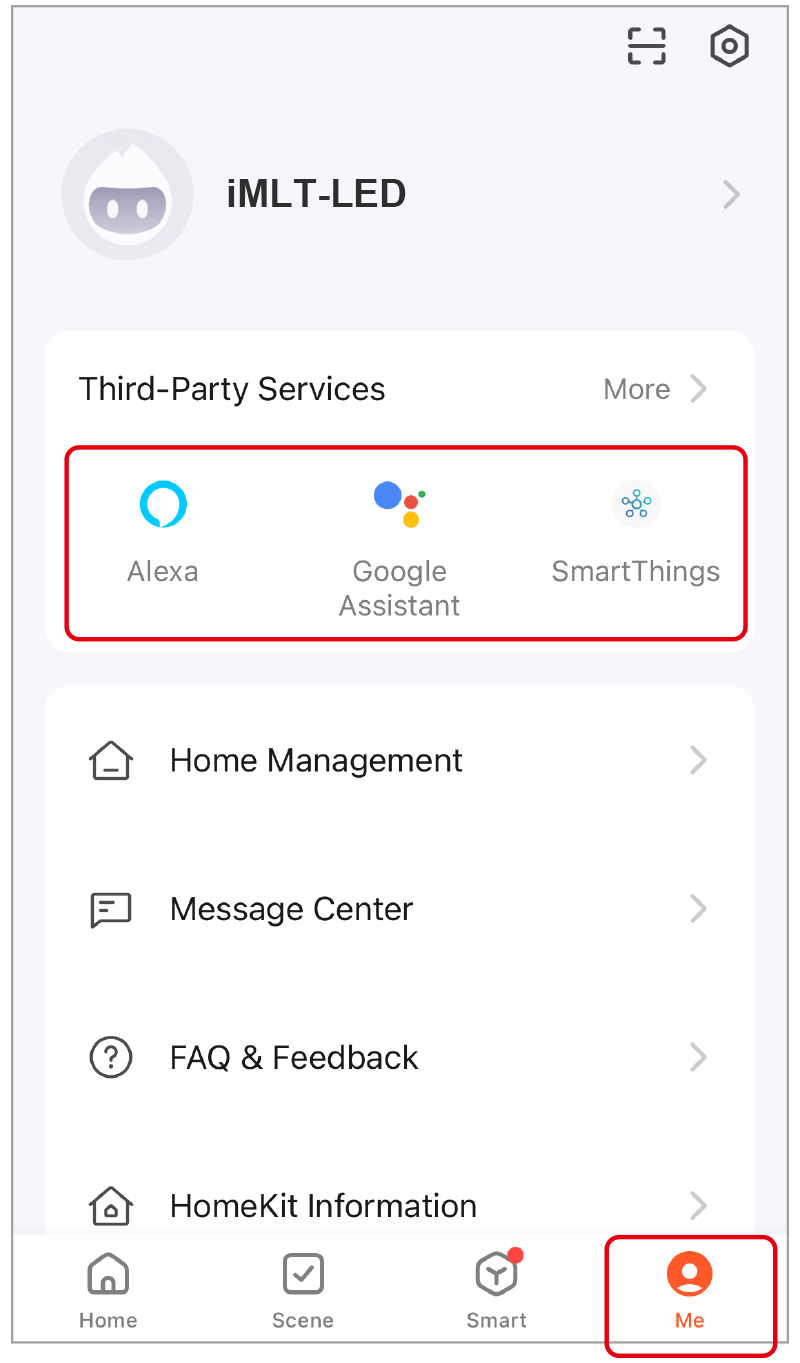
Нажмите “Я”, выберите сторонний сервис и завершите настройку.
Пульт дистанционного управления 2,4 ГГц #
Код для создания ссылок (2 различных варианта решения) #
Method 1
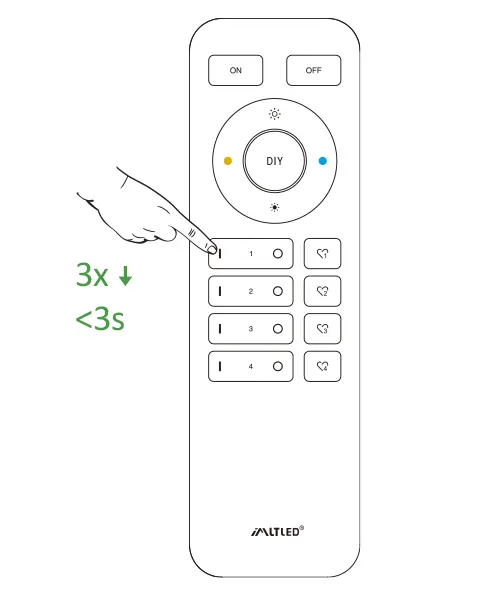
Short press “ LINK ” 1 time, short press “ I ” on the remote 3 times within 3 seconds.
Method 2
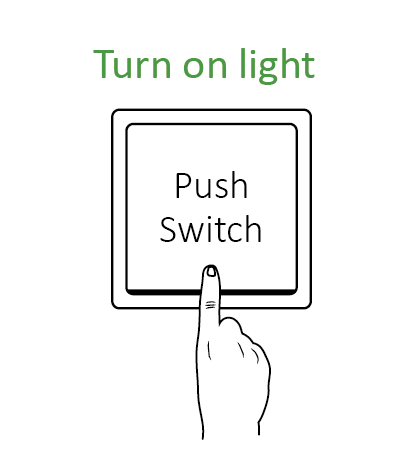
Press “ Push switch ” and turn on light, short press “ I ” on the remote 3 times within 3 seconds.
Short press “ I ” 3 times within 3 seconds. Linking code is done if the lights flashes 3 times slowly.
Don’t use “Master ON” to link code. You only can link lights into one zone on one remote.
Код очистки (2 варианта решения) #
Method 1
Short press “ LINK ” 1 time, short press “ I ” on the remote 3 times within 3 seconds.
Method 2
Press “ Push switch ” and turn on light, short press “ I ” on the remote 3 times within 3 seconds.
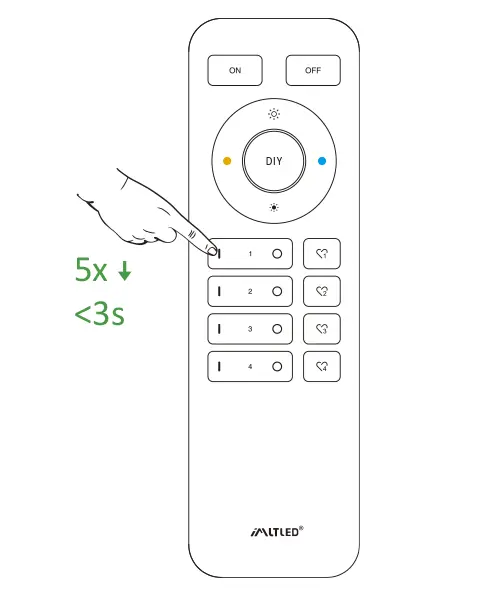
Short press “ I ” 5 times within 3 seconds.
Cleaning code is done if the lights flashes 6 times quickly.
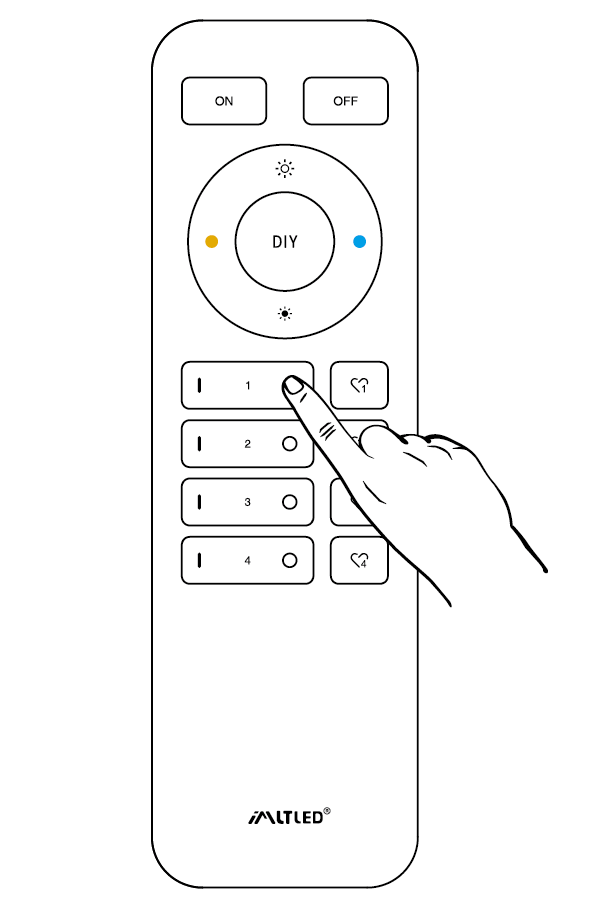
Mini Brightness #
Preventing the light is off or flashing while dimming it to lower brightness.
Method 1
Short press “set” continuously to set up 10 kinds of brightness ( 1%, 5%, 10%, 15%, 20%, 25%, 30%, 35%, 40%, 50%).
Method 2
- Long press “
” or “
” in group zone 6 seconds until light flashes one time.
- Short press “
” or “
” in group zone to set up 10 kinds of brightness.
ON/OFF Time #
The light status changes gradually (factory default time is 0.5s).
1.5s: Short press “ON” 1 times and short press “OFF” 5 times within 3 seconds, the setting is done once light flashes 2 times slowly.
0.5s: Short press “OFF” 1 times and short press “ON” 5 times within 3 seconds, the setting is done once light flashes 2 times quickly.
ON/OFF Dimming mode #
Shut down dimming mode ( activate ON/OFF mode) #
Long press “SET” 10 seconds, dimming mode is shut down while indicator flashes 3 times slowly.
Activate dimming mode #
Long press “SET” 10 seconds, dimming mode is activated while indicator flashes 3 times quickly.
Внимание #
- Перед подключением устройства отключите питание.
- Please check the voltage of power before connecting.
- Не разбирайте устройство, если вы не являетесь специалистом.
- Не используйте устройство вблизи металлических или магнитных предметов.