APP download #
Caratteristiche #
- This product is made by WiFi+BLE+2.4G wireless transmitting technology with low consumption and strong ability to resist signal loss.
- Supporta il controllo remoto a 2,4 GHz.
- Working with “Tuya Smart” app, wireless dimming, group control, timer function.
- Support Alexa, Google Assistant, Yandex Alice.
- 1-channel output, Max 1.5A.
- Trailing edge phase-cut dimming.
- Supports minimum brightness setting.
- Built-in temperature detection switch.
Parametri #
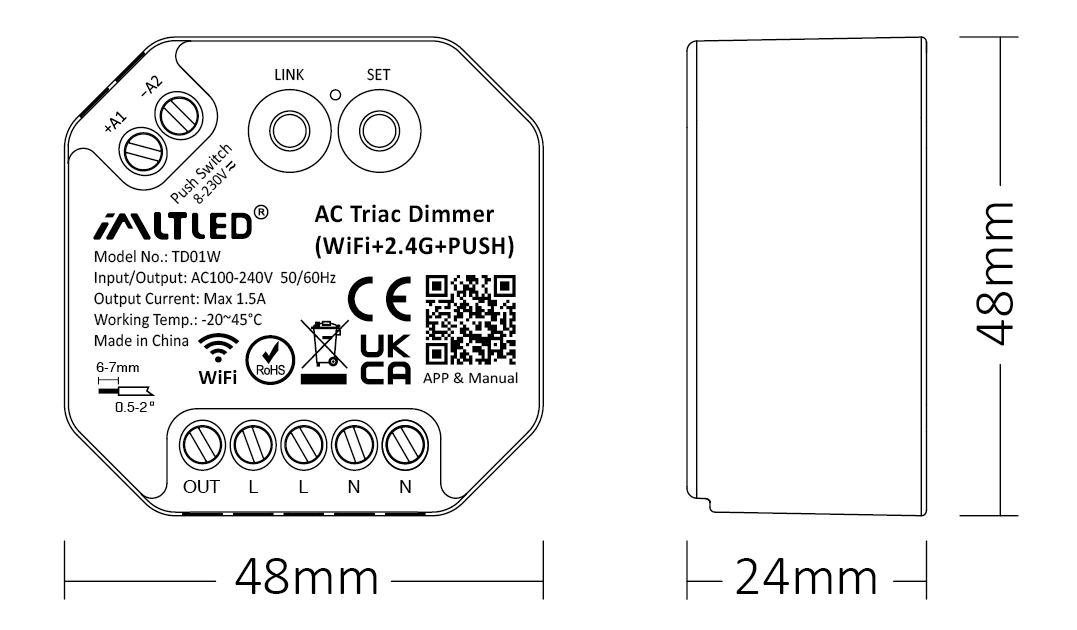
| Modello n: | TD01W |
| Ingresso/uscita: | AC100-240V 50/60Hz |
| Corrente di uscita: | Max 1,5A |
| Potenza di uscita: | 150W@110V, 300W@220V |
| Segnale di controllo: | WiFi + 2.4G + PUSH |
| Distanza di controllo: | 30m |
| IP Rate: | IP20 |
| Lavoro a tempo determinato: | -20~45°C |
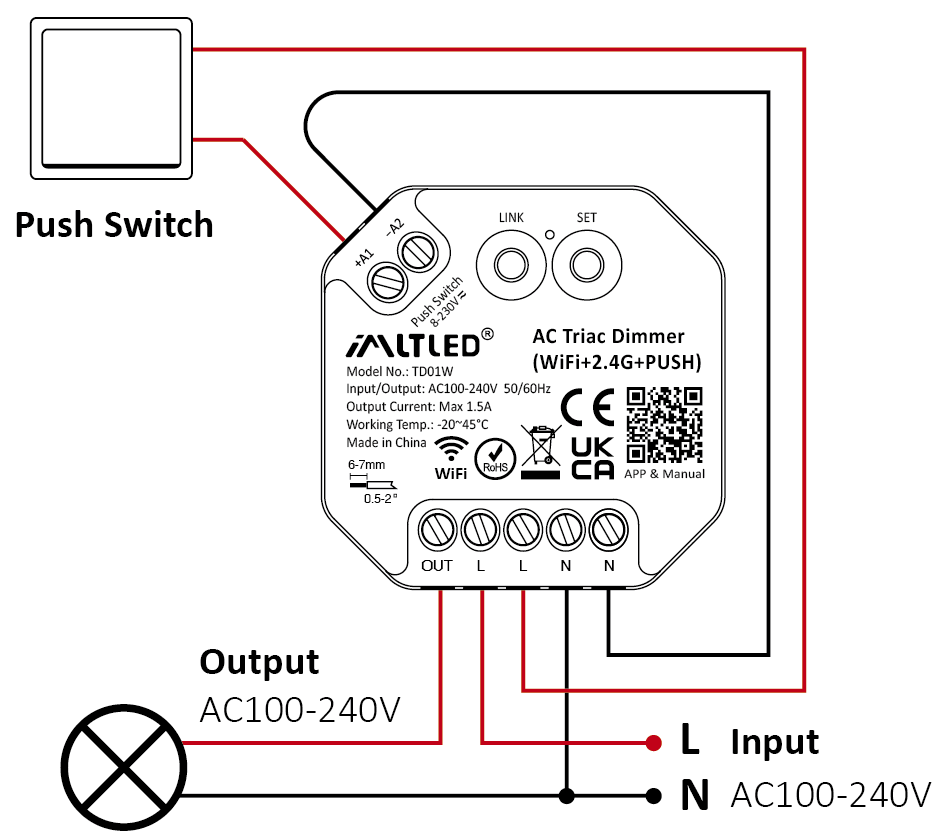
Schema di collegamento #
Attenzione
1. Please cut off power before wiring device.
2. Please check the voltage of power before connecting.
3. It’s high voltage product which need to wire ground line.
PUSH Dimming #
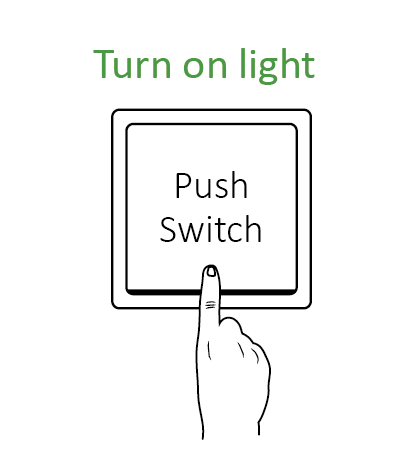
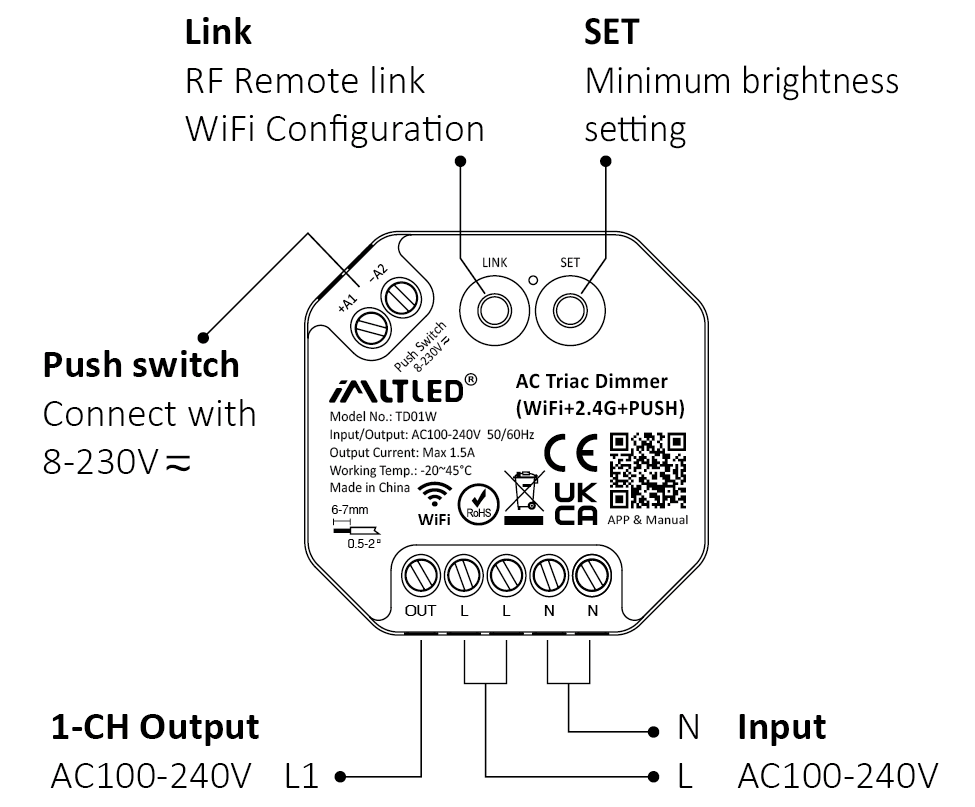
Short press push switch : Turn on/off light
Long press push switch:
- Stepless dimming brightness
- Long press double times to increase or decrease brightness
Attenzione #
- One push switch can connect with various dimmer,please long press push switch 20 seconds to keep all lights in the same brightness.
- One push switch only connect with 25 dimmers (max)
- The cable of push switch can not be over 20m
APP Details #
Adding device #

1). Connect controller with power adapter
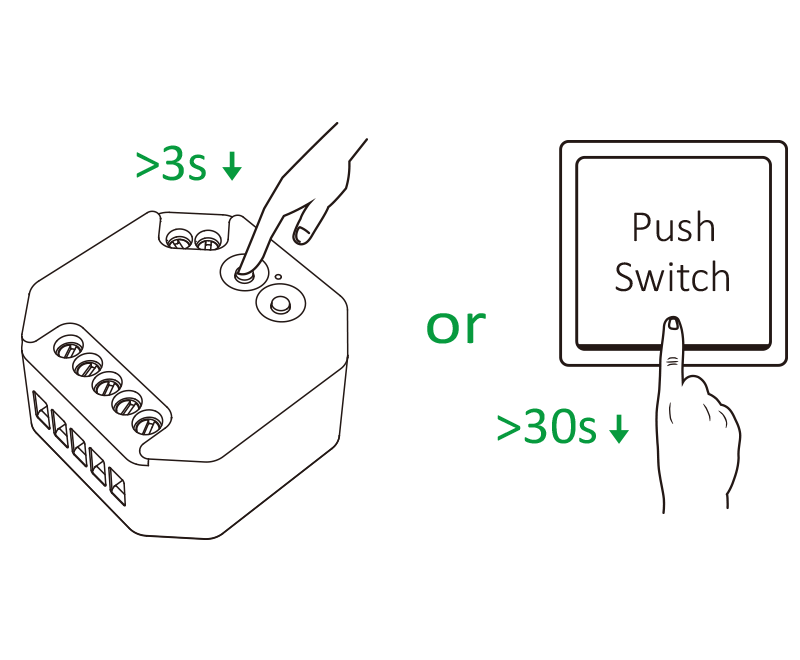
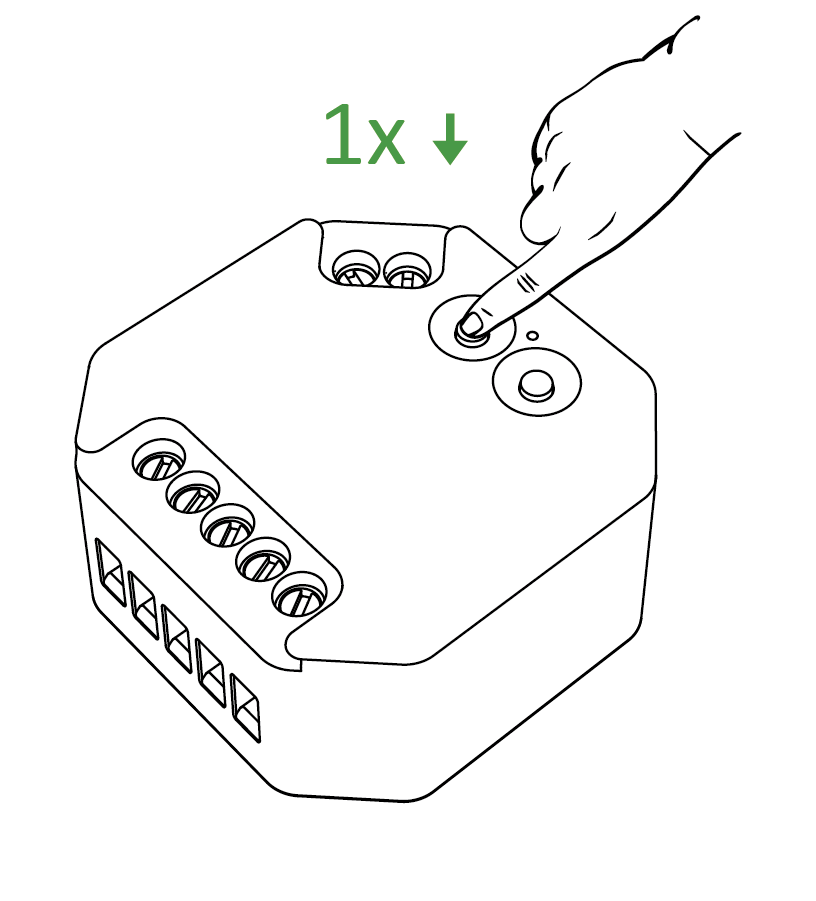
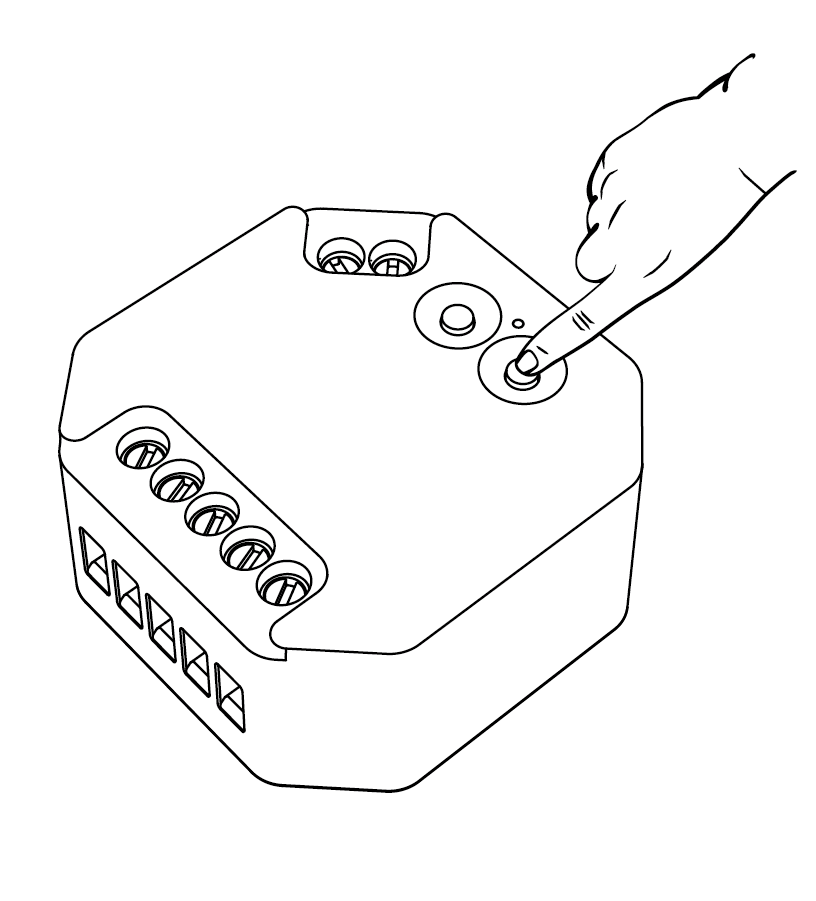
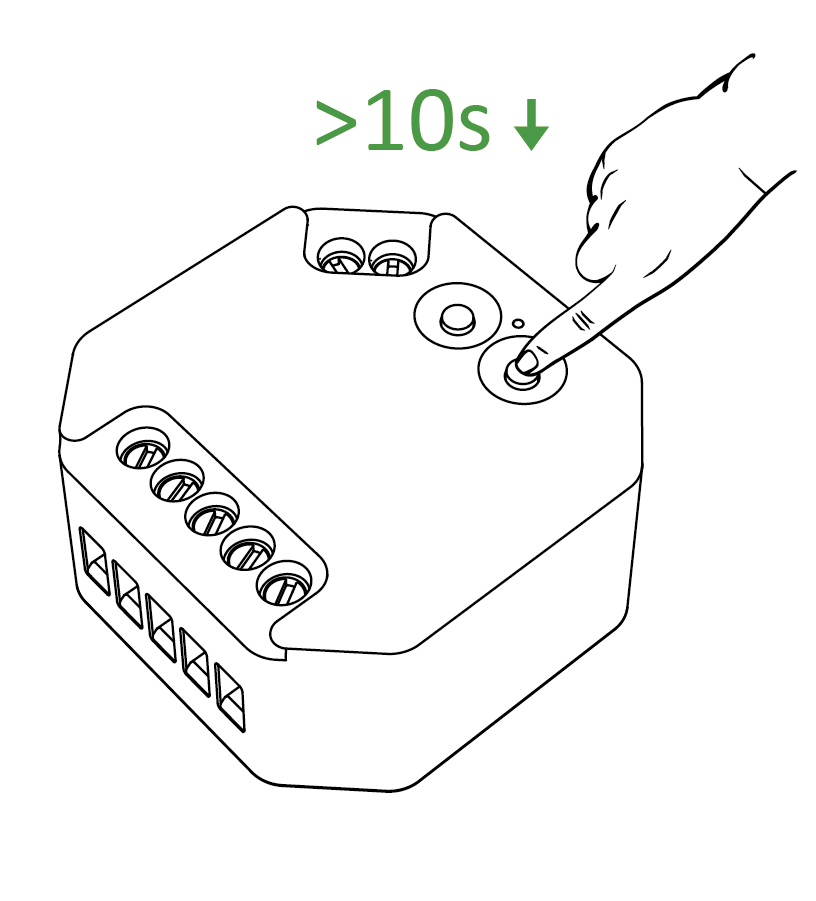
2). Long press “LINK” 3 seconds or long press “ Push Switch ” 30 seconds if indicator doesn't blink quickly
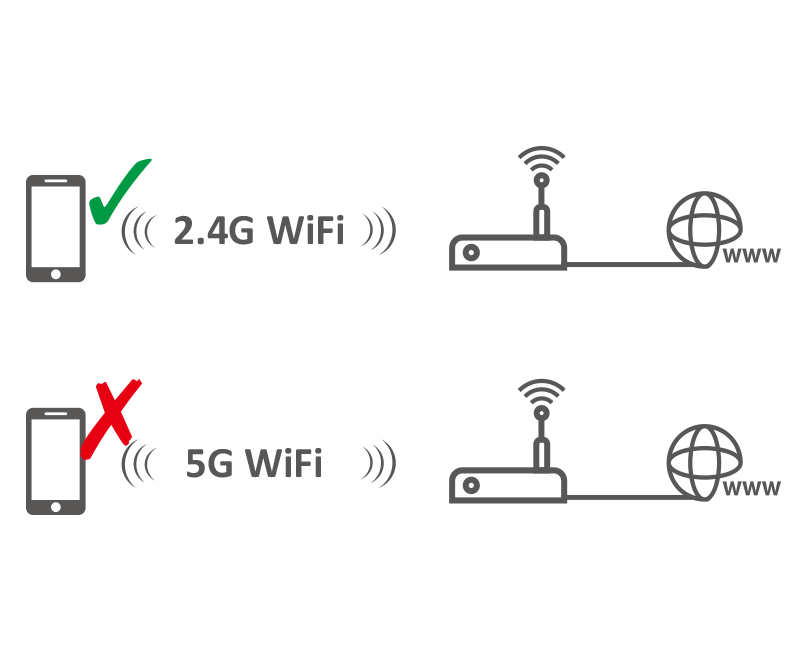
3). Connect smart phone with 2.4Ghz WiFi
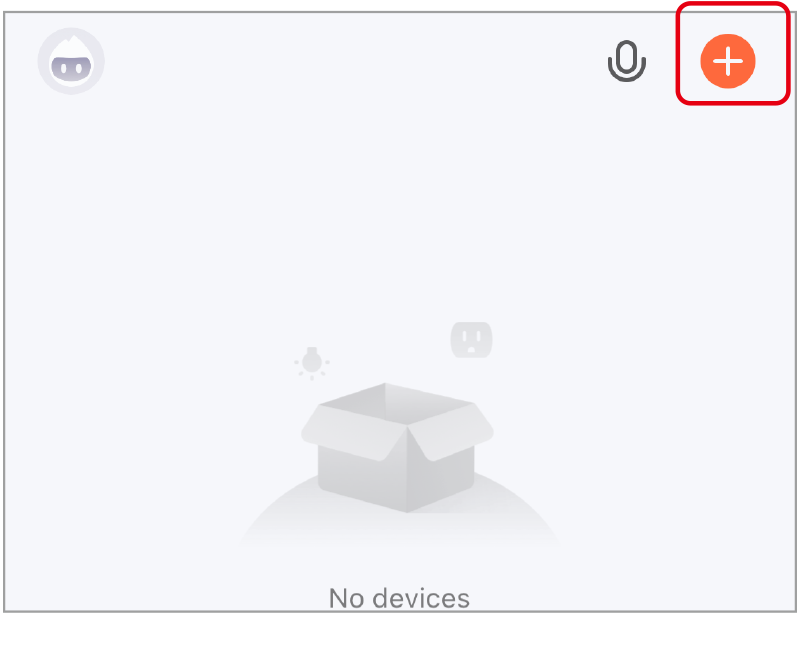
4). Click “+”

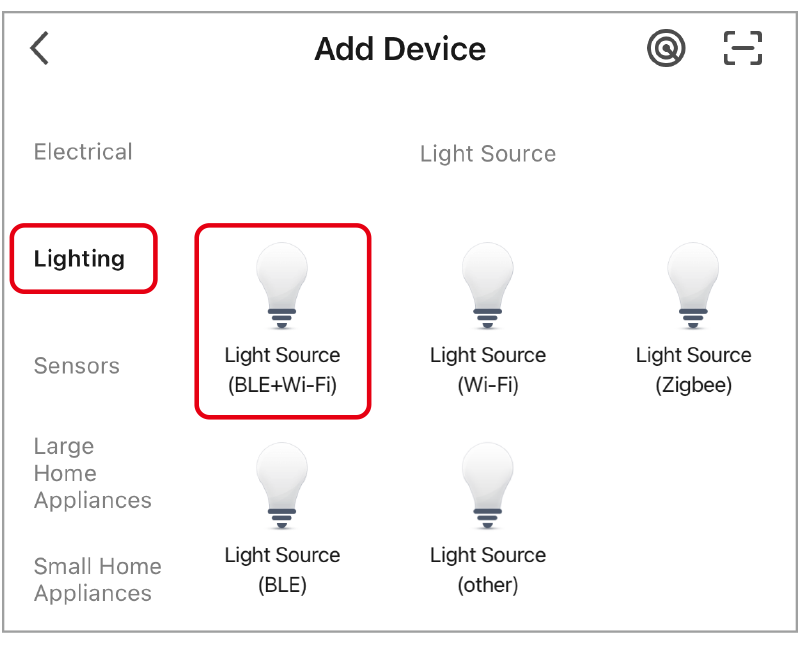
5). select “lighting” and “light source (BLE+wifi)”, finishing the rest steps in app
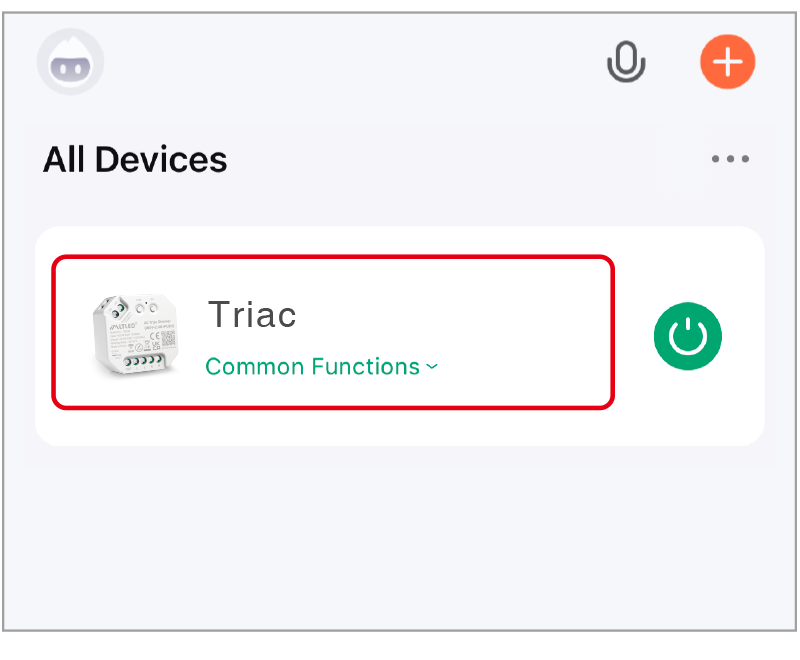
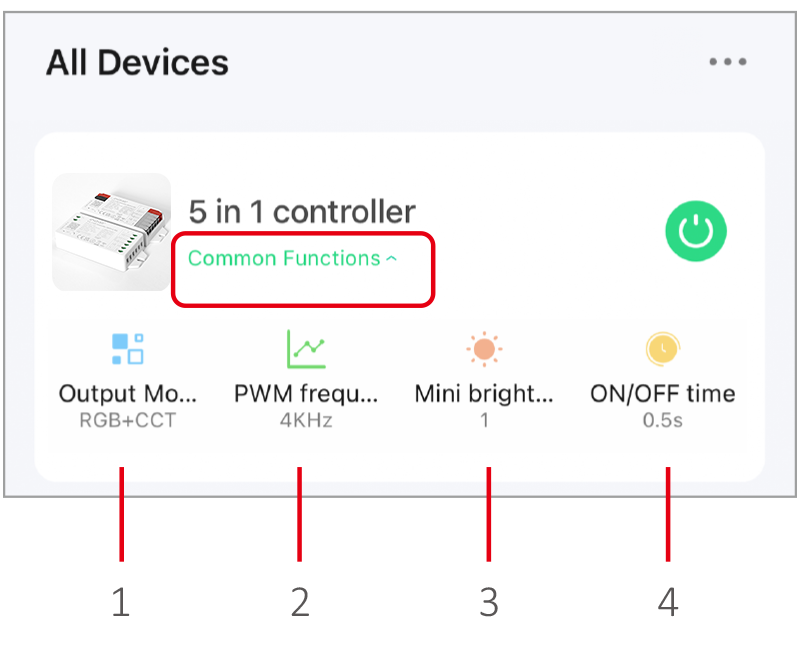
6). Click device to enter into main page
- Output mode: select correct mode to compatible with led strip.
- PWM frequency: changing different frequency to solve the noise problem from power adapter.
- Mini brightness: the lowest brightness of lights.
- ON/OFF time: the light status changes gradually( factory default time is 0.5s).
High frequency only support device with lower wattage, low frequency support device with higher wattage and have better dimming performance. (Factory default PWM frequency is 4KHz).
Voice control Details #
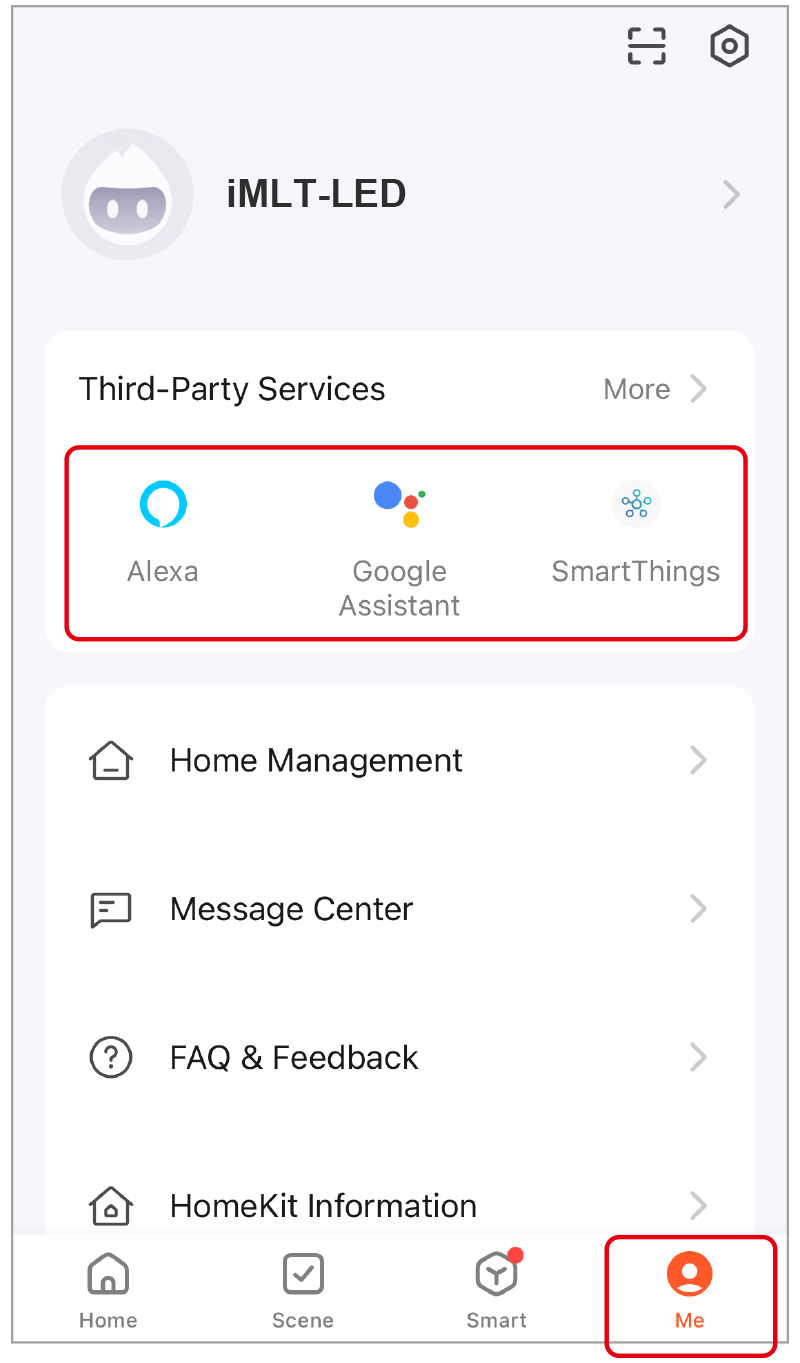
Click “Me”, select the third-party service and completed setting.
Telecomando 2.4G #
Collegamento del codice (2 soluzioni diverse) #
Method 1
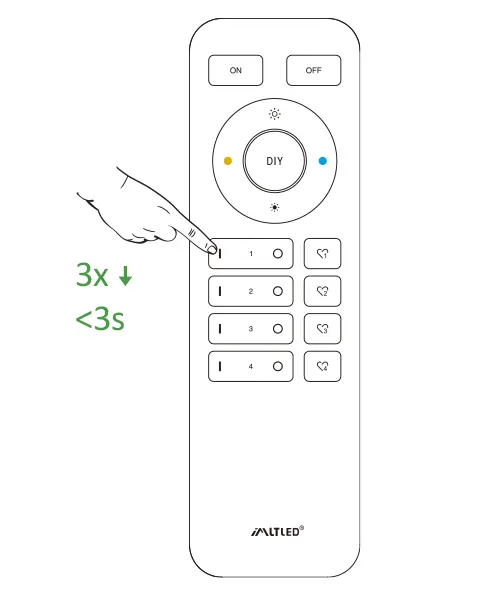
Comunicato stampa breve“ LINK ” 1 time, short press “ I ” on the remote 3 times within 3 seconds.
Method 2
Press “ Push switch ” and turn on light, short press “ I ” on the remote 3 times within 3 seconds.
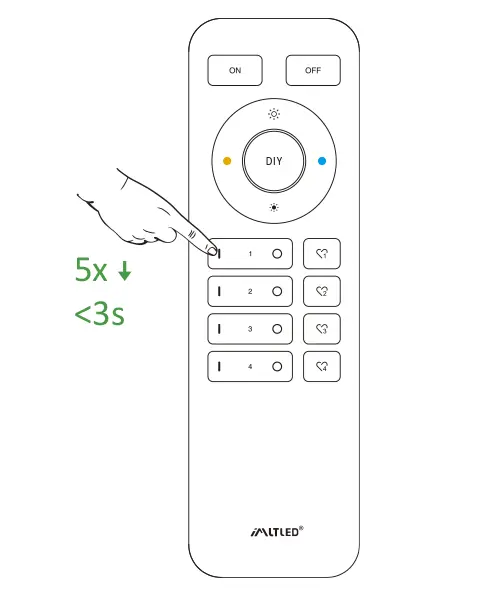
Comunicato stampa breve“ I ” 3 times within 3 seconds. Linking code is done if the lights flashes 3 times slowly.
Non utilizzare il comando "Master ON" per collegare il codice. È possibile collegare le luci a una sola zona con un singolo telecomando.
Codice di pulizia (2 soluzioni diverse) #
Method 1
Comunicato stampa breve“ LINK ” 1 time, short press “ I ” on the remote 3 times within 3 seconds.
Method 2
Press “ Push switch ” and turn on light, short press “ I ” on the remote 3 times within 3 seconds.
Comunicato stampa breve“ I ” 5 times within 3 seconds.
La pulizia è completata se le luci lampeggiano 6 volte rapidamente.
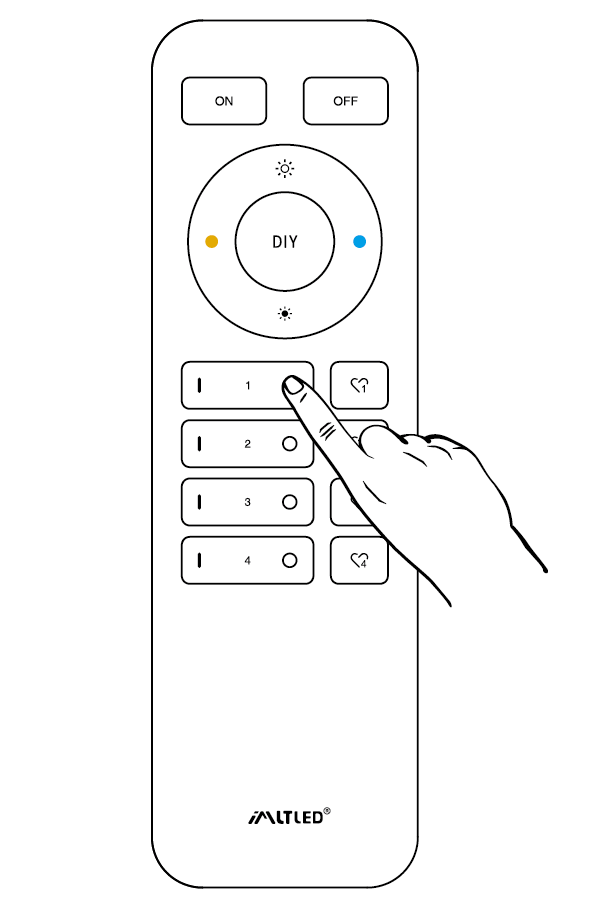
Mini luminosità #
Preventing the light is off or flashing while dimming it to lower brightness.
Method 1
Short press “set” continuously to set up 10 kinds of brightness ( 1%, 5%, 10%, 15%, 20%, 25%, 30%, 35%, 40%, 50%).
Method 2
- Pressione prolungata “
”" O "“
” in group zone 6 seconds until light flashes one time.
- Comunicato stampa breve“
”" O "“
” in group zone to set up 10 kinds of brightness.
ON/OFF Time #
The light status changes gradually (factory default time is 0.5s).
1.5s: Short press “ON” 1 times and short press “OFF” 5 times within 3 seconds, the setting is done once light flashes 2 times slowly.
0.5s: Short press “OFF” 1 times and short press “ON” 5 times within 3 seconds, the setting is done once light flashes 2 times quickly.
ON/OFF Dimming mode #
Shut down dimming mode ( activate ON/OFF mode) #
Pressione prolungata “SET” 10 seconds, dimming mode is shut down while indicator flashes 3 times slowly.
Activate dimming mode #
Pressione prolungata “SET” 10 seconds, dimming mode is activated while indicator flashes 3 times quickly.
Attenzione #
- Interrompere l'alimentazione prima di collegare il dispositivo.
- Please check the voltage of power before connecting.
- Non smontarlo se non sei un esperto.
- Non utilizzare in aree metalliche o magnetiche.