APP download #
Features #
● This product is made by 2.4GHz RF wireless transmitting technology with low consumption and strong ability to resist signal loss.
● Adopted standard Zigbee 3.0 protocol.
● Support 2.4G remote control.
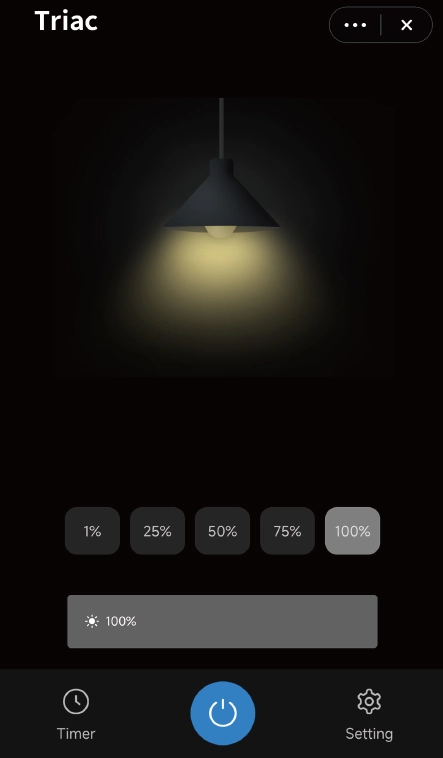
● Support ” Tuya ” App control (Zigbee 3.0 gateway is required)
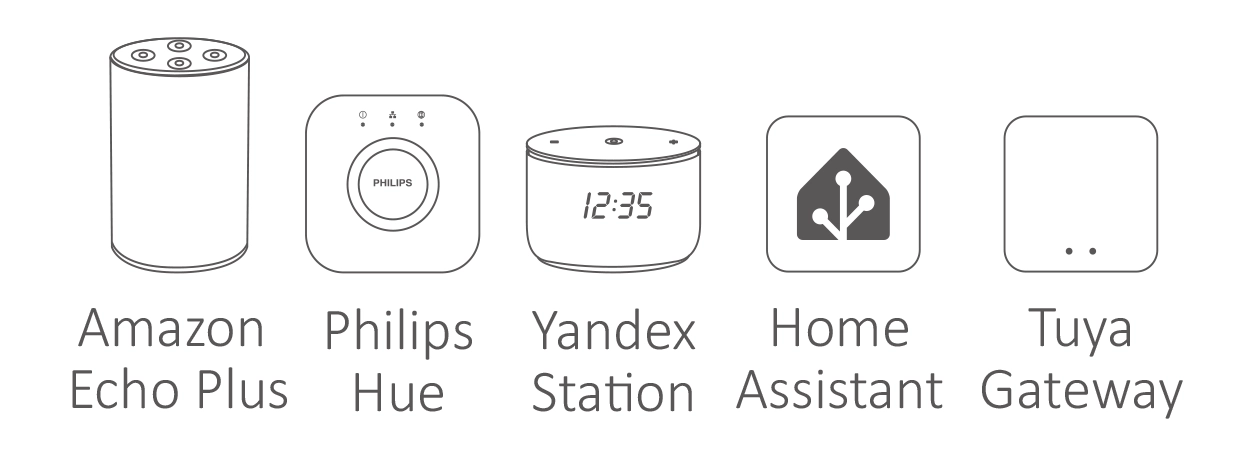
● Amazon Alexa, Philips Hue, Yandex Stetion, Home Assistant control.
● 1-channel output, Max 1.5A.
● Trailing edge phase-cut dimming.
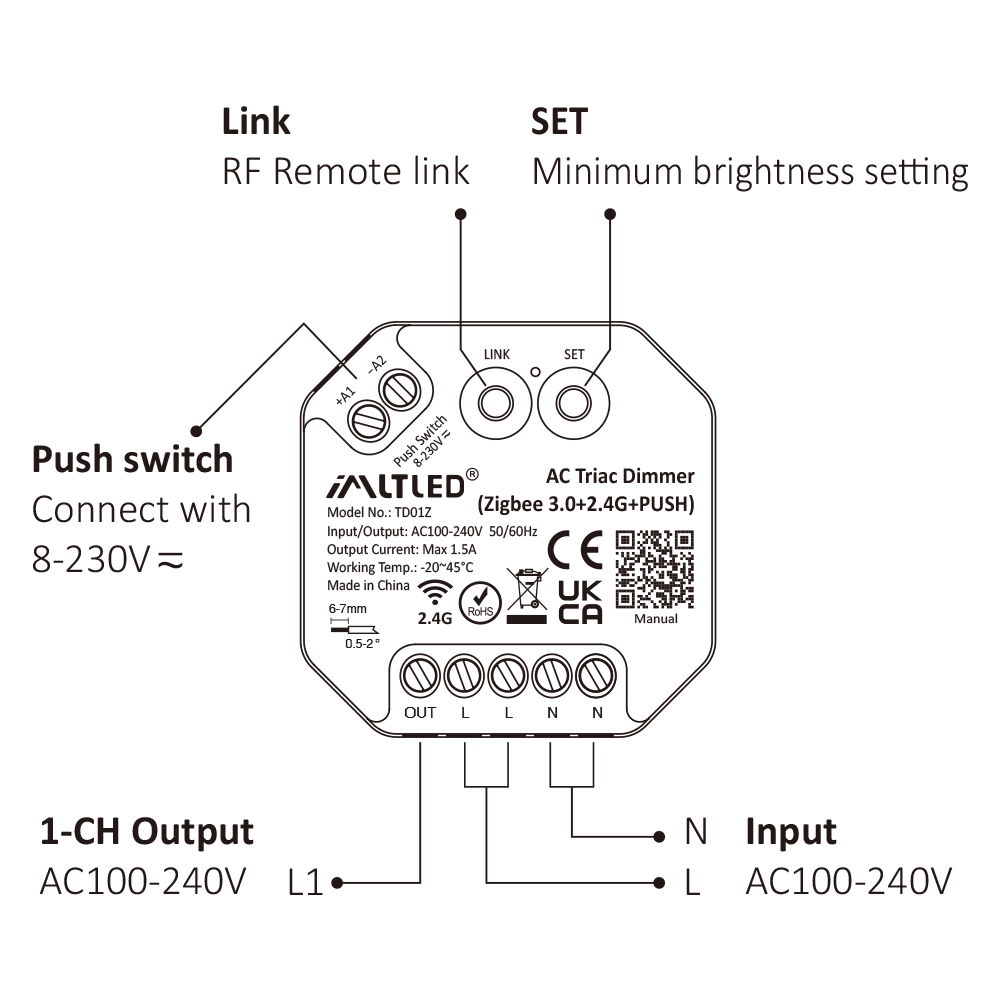
● Supports minimum brightness setting.
● Built-in temperature detection switch.
Parámetros #
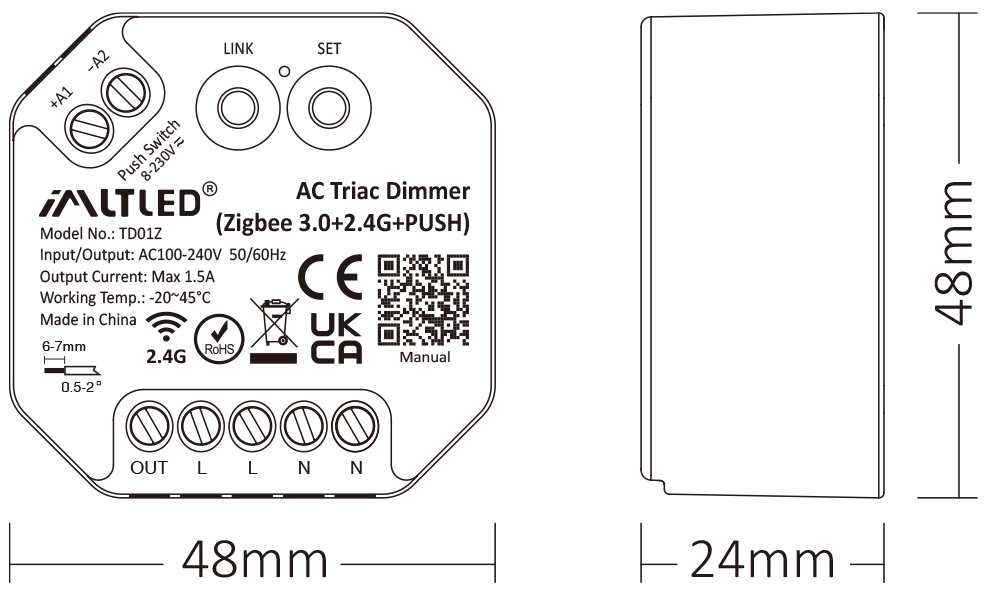
| Modelo No: | TD01Z |
| Input / Output: | AC100-240V 50/60Hz |
| Output Current: | Max 1.5A |
| Output Power: | 150W@110V, 300W@220V |
| Control Signal: | Zigbee 3.0 + 2.4G + PUSH |
| RF Control Distance: | 30m |
| Zigbee Distance: | 50m |
| IP Rate: | IP20 |
| Working Temp.: | -20~45°C |
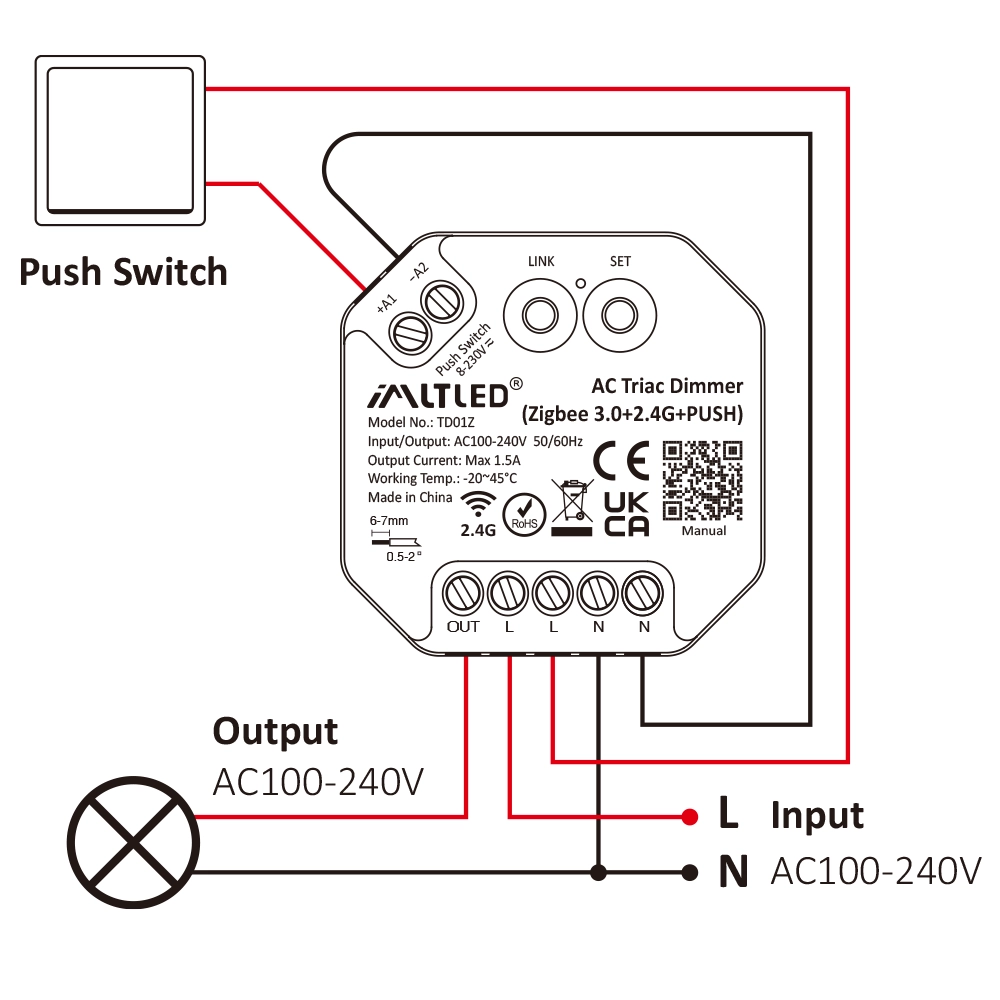
Diagrama de conexión #
Attention
1. Please cut off power before wiring device.
2. Please check the voltage of power before connecting.
3. It’s high voltage product which need to wire ground line.
PUSH Dimming #
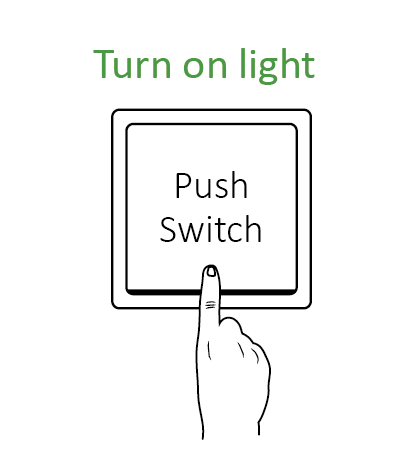
Short press push switch : Turn on/off light
Long press push switch:
- Stepless dimming brightness
- Long press double times to increase or decrease brightness
Attention #
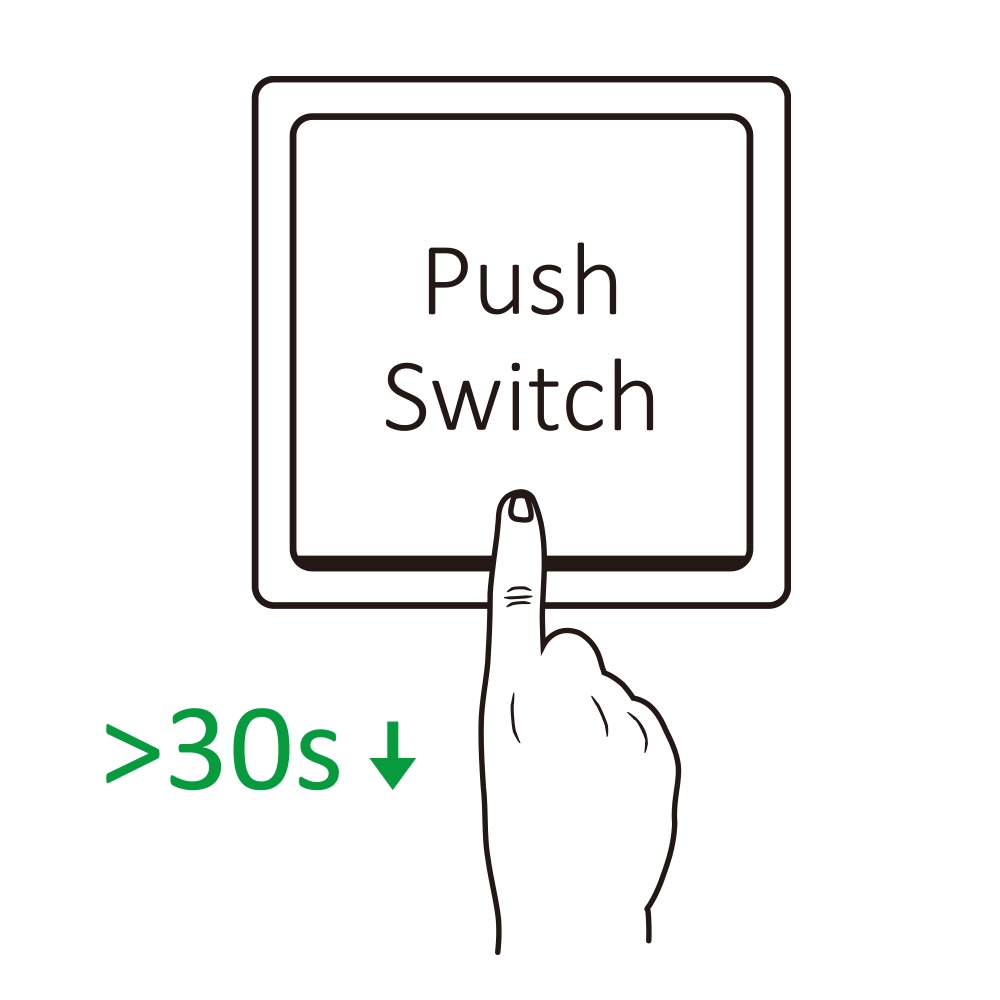
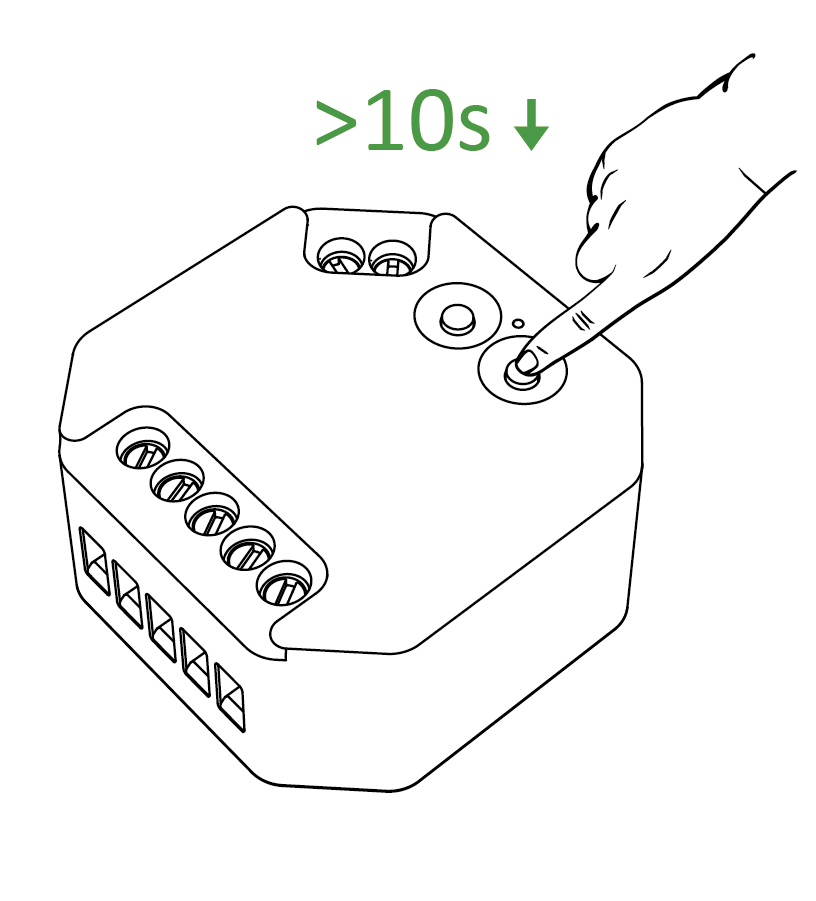
- One push switch can connect with various dimmer,please long press push switch 20 seconds to keep all lights in the same brightness.
- One push switch only connect with 25 dimmers (max)
- The cable of push switch can not be over 20m

Add to Amazon Echo (Alexa) #
Echo with built-in Zigbee
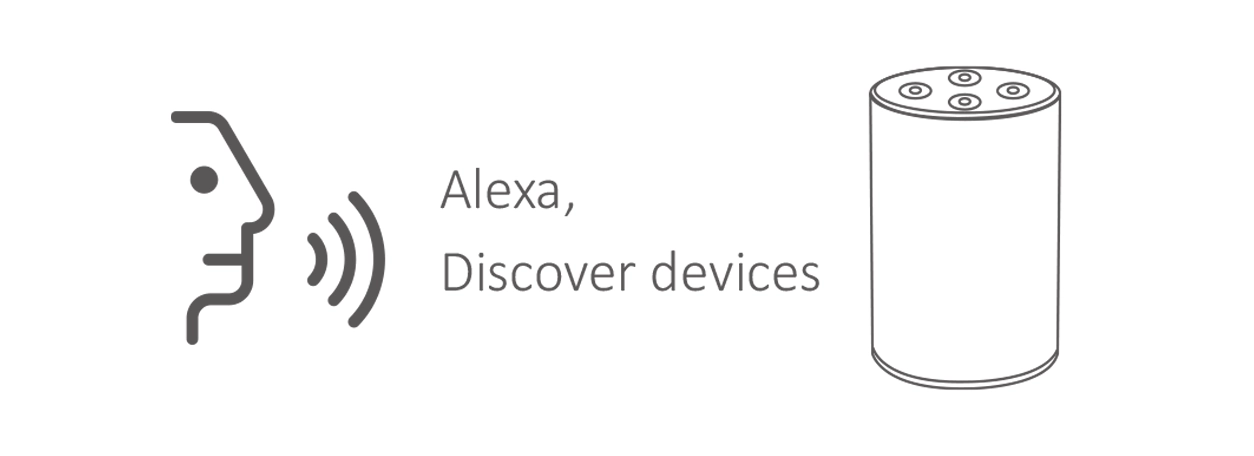
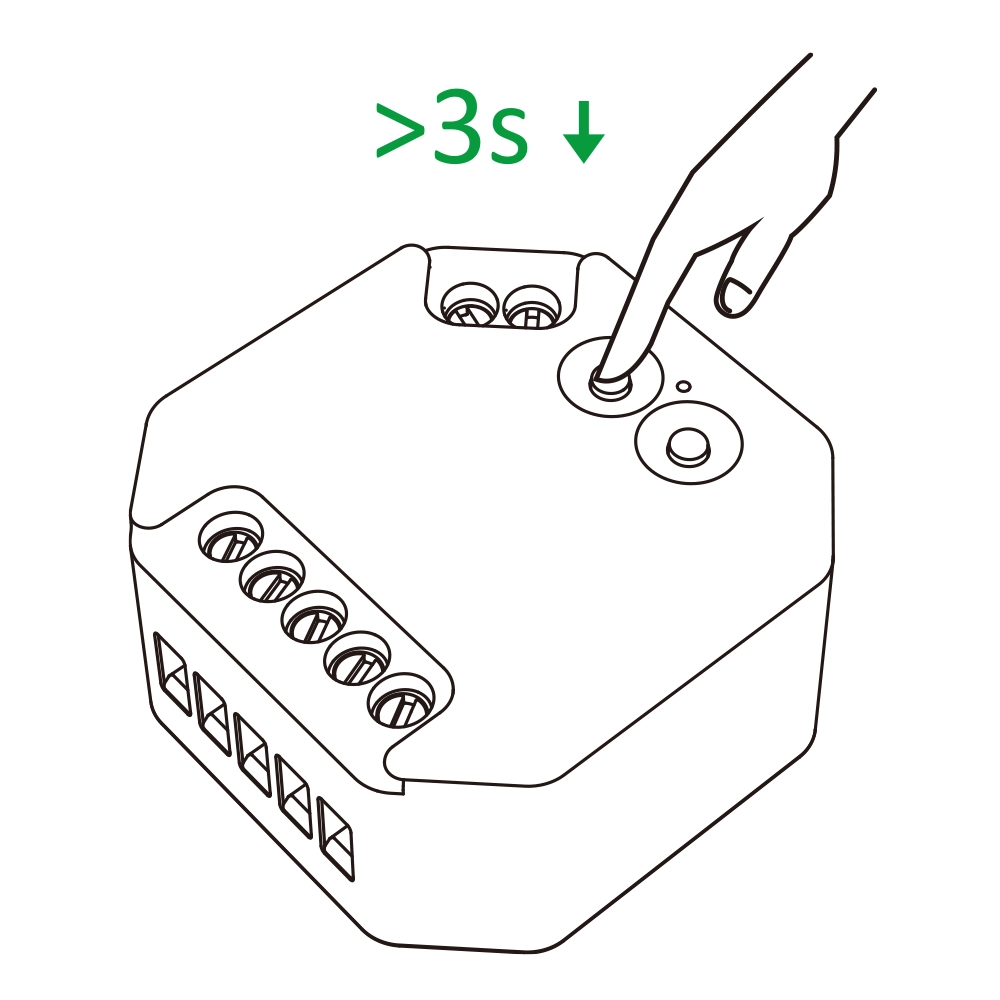
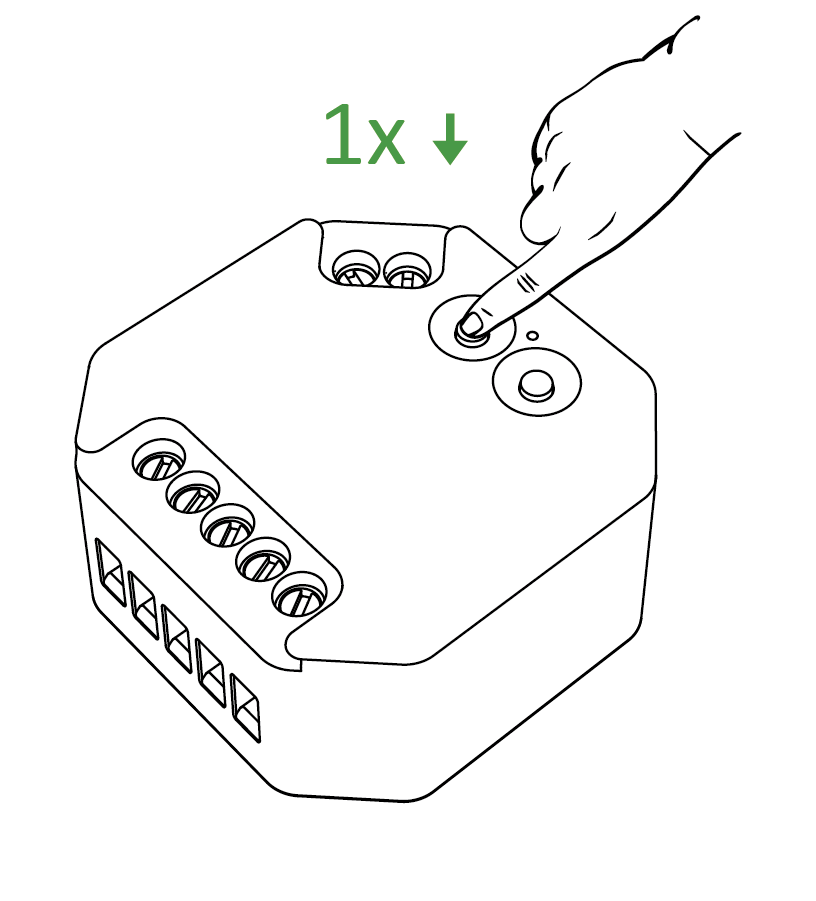
1. Put device into Zigbee pairing mode.
2. Say to Amazon ECHO “Alexa, Discover devices” .
3. Wait for a while to discover device, Voice control is activated.

Add to Philips Hue #
Philips Hue Bridge is required
1. Put device into Zigbee pairing mode.
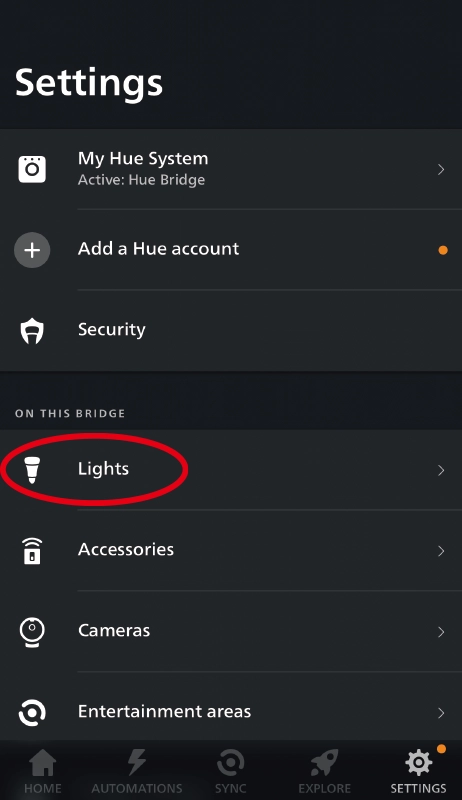
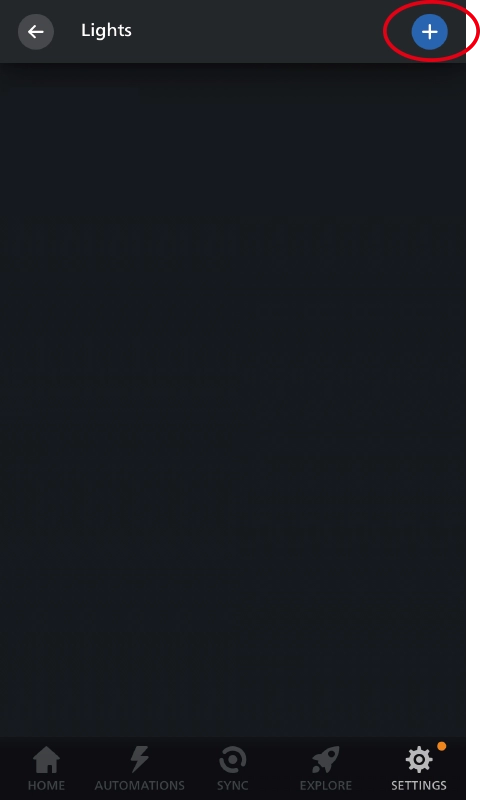
2. Open “Philips Hue” App to click “SETTINGS” and click “Lights”.
3. Click “+” on the top of right corner.
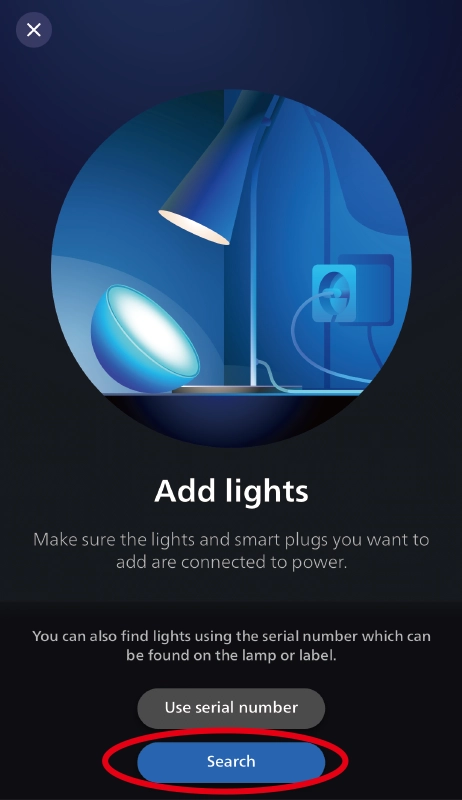
4. Click “Search”.
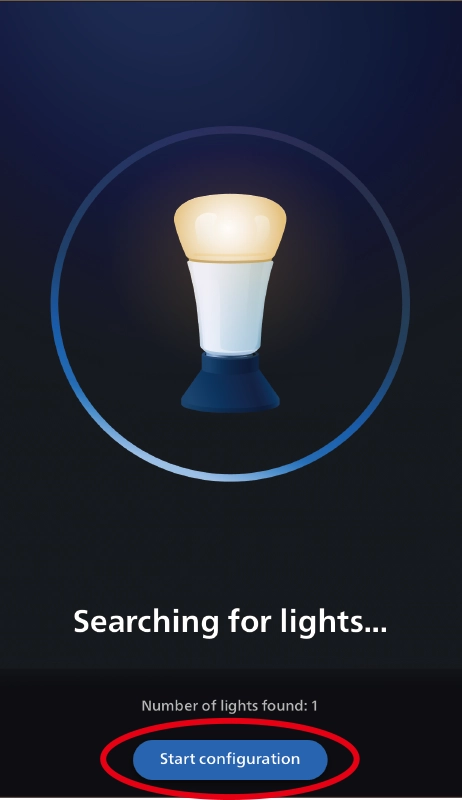
5. Click “Start configuration”, Follow the app instruction to complete configuration.

Add to Home Assistant #
Zigbee 3.0 Coordinator is required
1. Put device into Zigbee pairing mode.
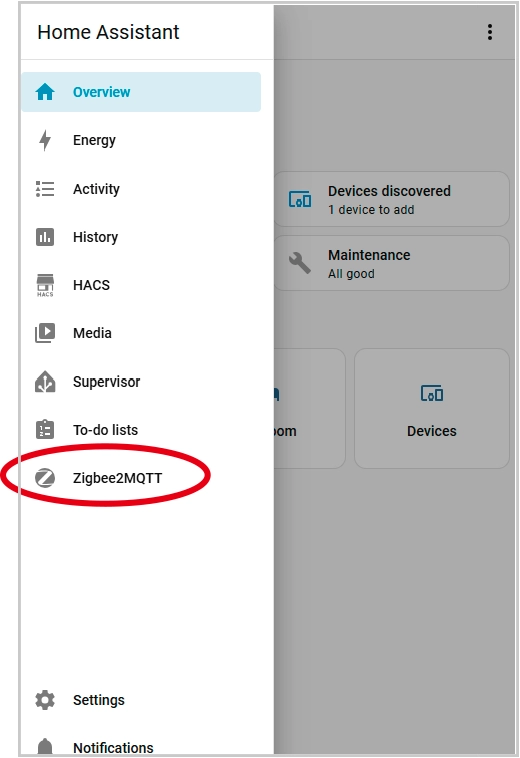
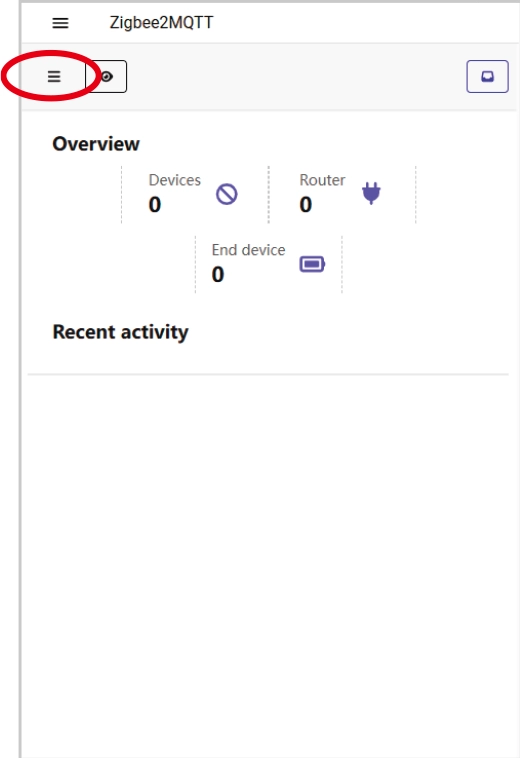
2. Open Home Assistant app and go to “Zigbee2MQTT”.
3. Click “Ξ”.
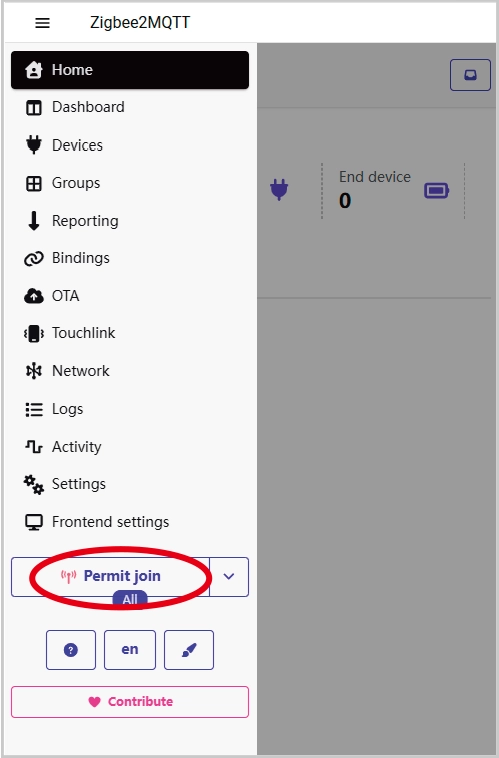
4. Click “Permit join (All)” .
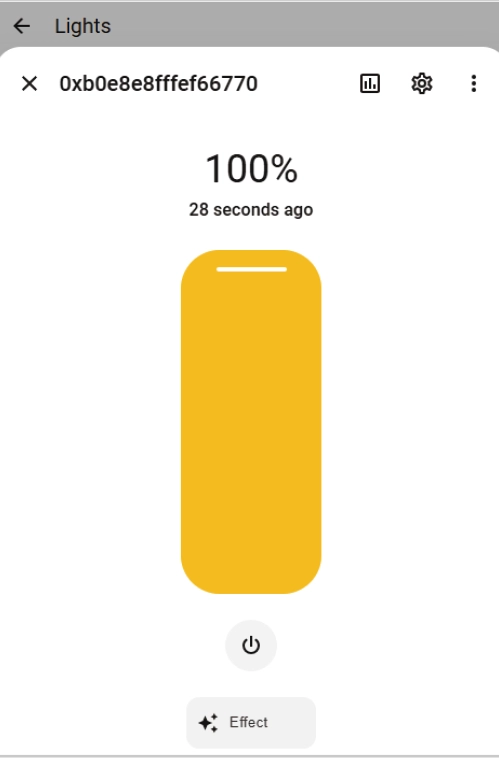
5. Wait for the device to connect.
6. Added successfully.

#
Tuya Zigbee 3.0 gateway is required
1. Put device into Zigbee pairing mode.
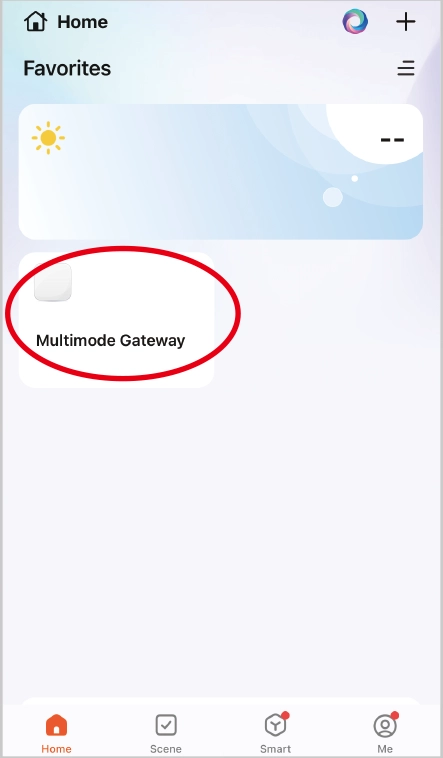
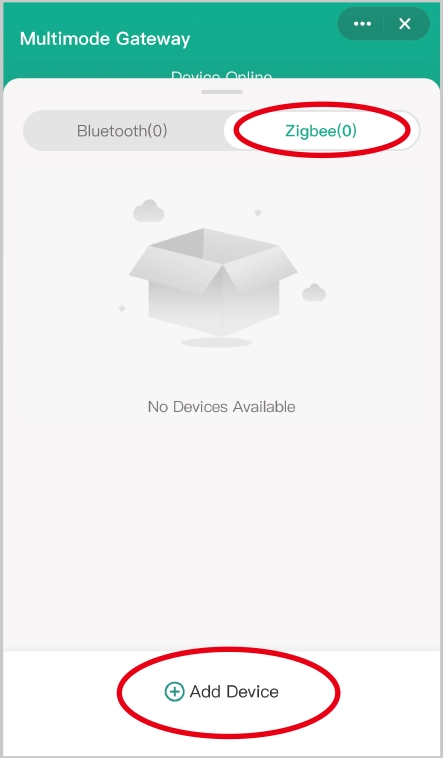
2. Open “Tuya” APP to click Zigbee gateway, then click “Zigbee”.
3. Click “Add device”.
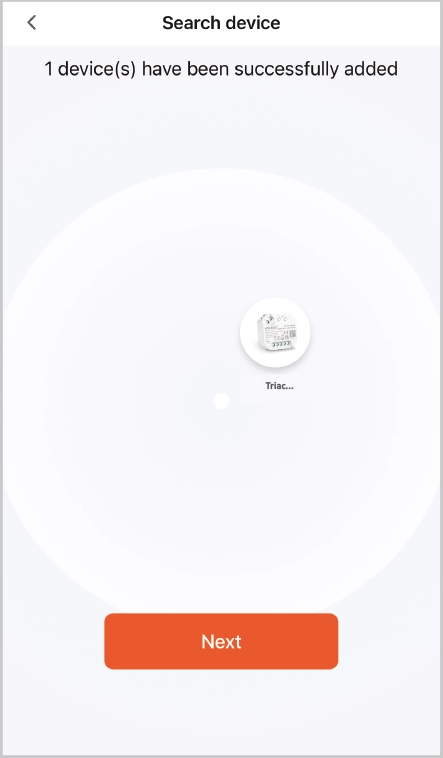
4. Added successfully.
2.4G Remote Control #
Linking code (2 different solution) #
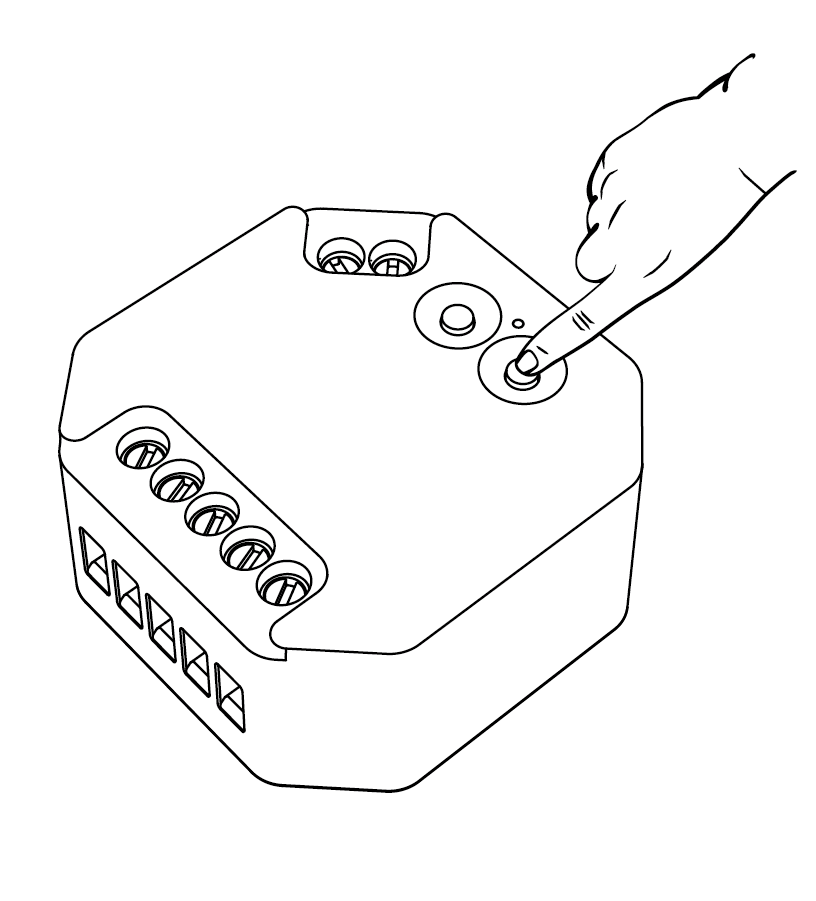
Method 1
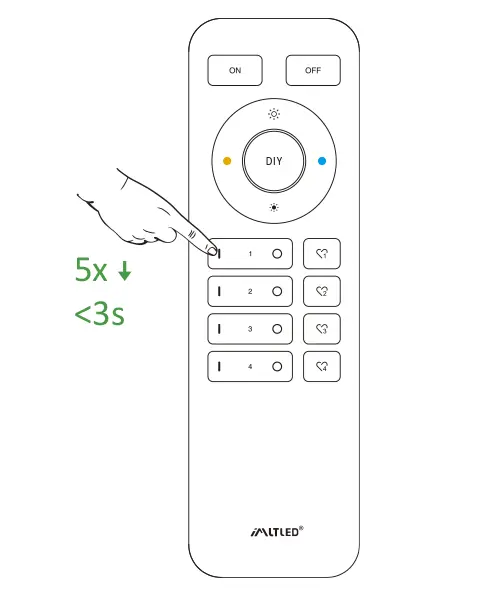
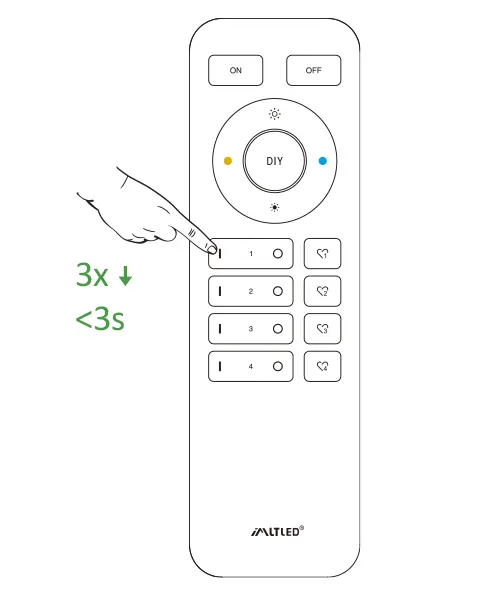
Short press “ LINK ” 1 time, short press “ I ” on the remote 3 times within 3 seconds.
Method 2
Press “ Push switch ” and turn on light, short press “ I ” on the remote 3 times within 3 seconds.
Short press “ I ” 3 times within 3 seconds. Linking code is done if the lights flashes 3 times slowly.
Don’t use “Master ON” to link code. You only can link lights into one zone on one remote.
Cleaning Code (2 different solution) #
Method 1
Short press “ LINK ” 1 time, short press “ I ” on the remote 3 times within 3 seconds.
Method 2
Press “ Push switch ” and turn on light, short press “ I ” on the remote 3 times within 3 seconds.
Short press “ I ” 5 times within 3 seconds.
Cleaning code is done if the lights flashes 6 times quickly.
Mini Brightness #
Preventing the light is off or flashing while dimming it to lower brightness.
Method 1
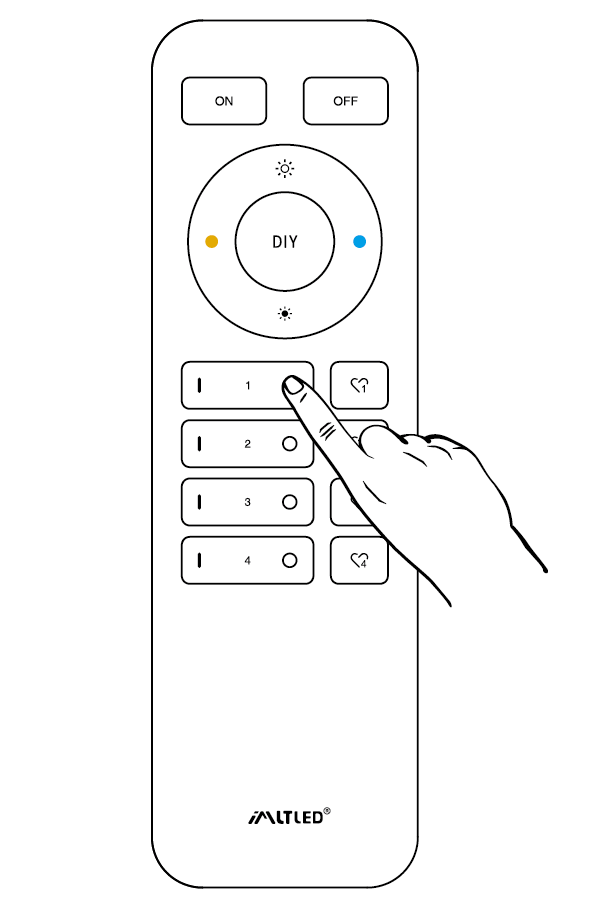
Short press “set” continuously to set up 10 kinds of brightness ( 1%, 5%, 10%, 15%, 20%, 25%, 30%, 35%, 40%, 50%).
Method 2
- Long press “
” or “
” in group zone 6 seconds until light flashes one time.
- Short press “
” or “
” in group zone to set up 10 kinds of brightness.
ON/OFF Time #
The light status changes gradually (factory default time is 0.5s).
1.5s: Short press “ON” 1 times and short press “OFF” 5 times within 3 seconds, the setting is done once light flashes 2 times slowly.
0.5s: Short press “OFF” 1 times and short press “ON” 5 times within 3 seconds, the setting is done once light flashes 2 times quickly.
ON/OFF Dimming mode #
Shut down dimming mode ( activate ON/OFF mode) #
Long press “SET” 10 seconds, dimming mode is shut down while indicator flashes 3 times slowly.
Activate dimming mode #
Long press “SET” 10 seconds, dimming mode is activated while indicator flashes 3 times quickly.
Attention #
- Please cut off power before wiring device.
- Please check the voltage of power before connecting.
- Don’t disassemble it if you are not expert.
- Don’t use it in metallic or magnetic area.