
Características #
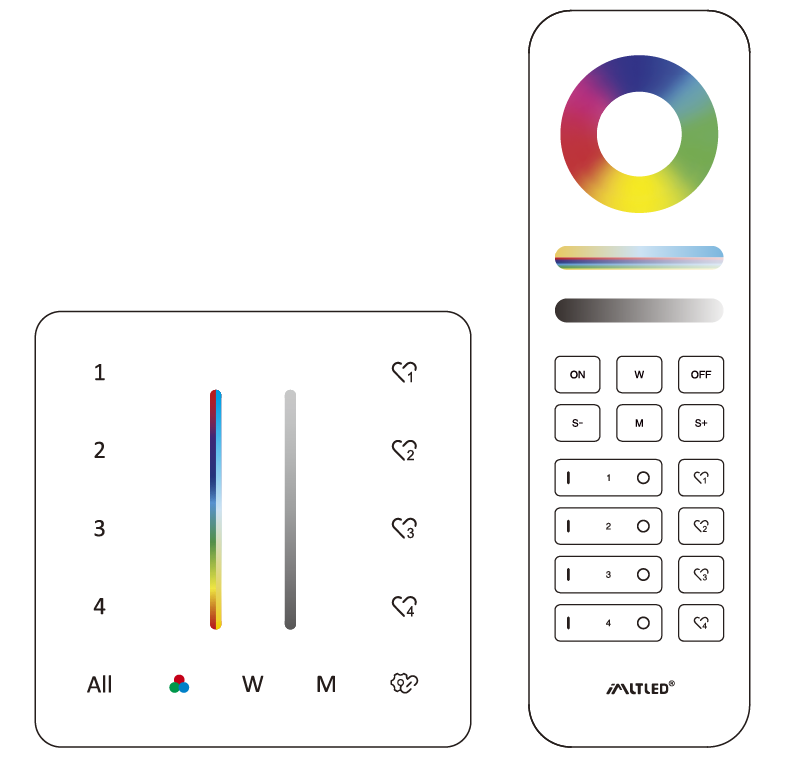
- RGB, Saturation Color temperature, Brightness dimmable
- Tecnología de transmisión inalámbrica RF de 2,4 GHz
- Distancia de control 30 m
- Control individual de 4 zonas, innumerables luces en cada zona.
- Support to save 4 scenes
Parámetros #
| Nombre del producto | Panel remoto RGB+CCT de 4 zonas (2.4G) |
| Nº de modelo. | PR02 / PR02B |
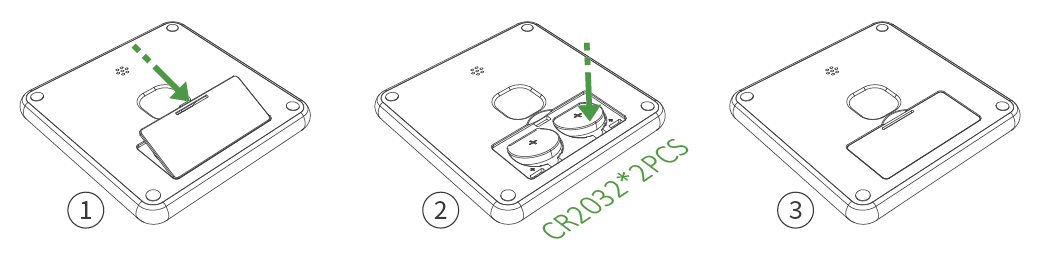
| Batería | 3V (CR2032*2PCS) |
| Consumo de energía en modo de espera | 8μA |
| Transmisión de potencia | 6 dBm |
| RF | 2,4 GHz |
| Distancia de control | 30m |
| Temperatura de funcionamiento | -20~45°C |
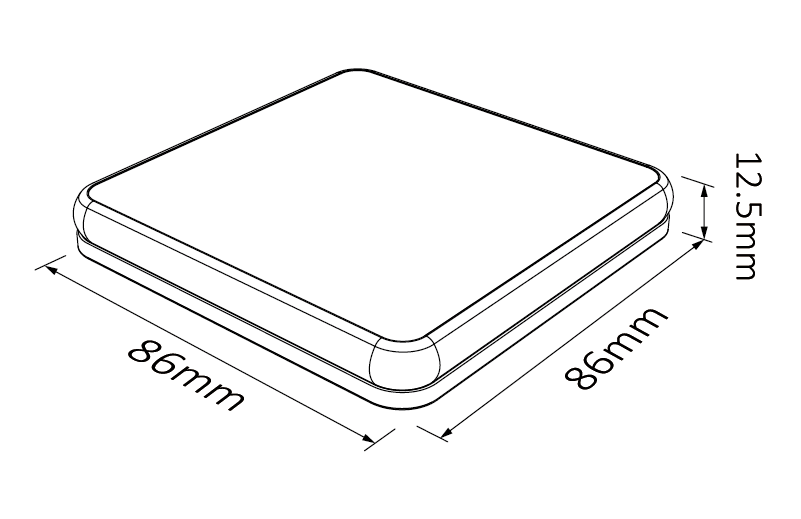
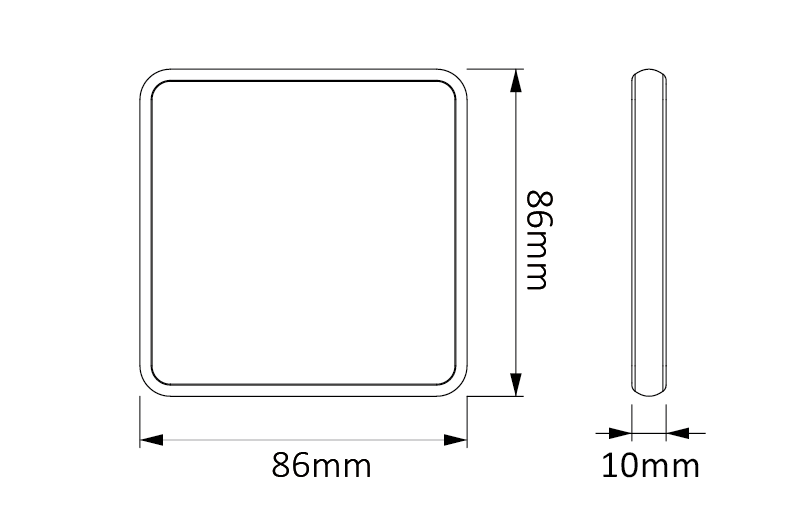
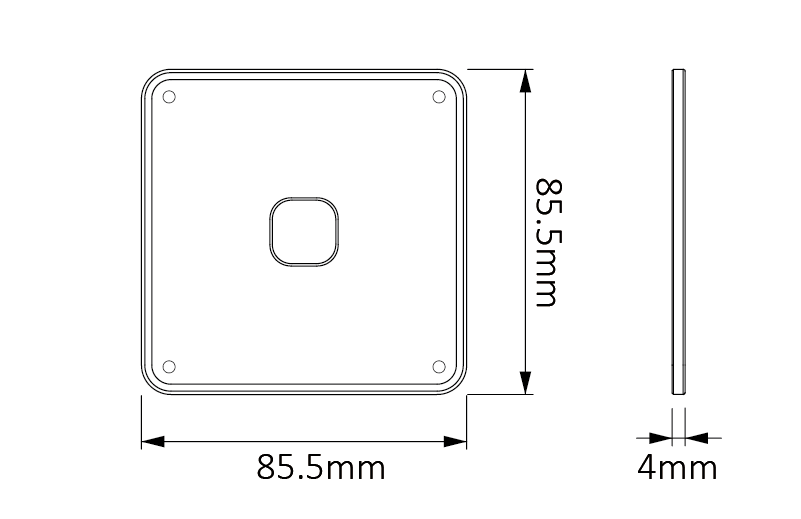
| Tamaño del producto | 86*86*12.5mm (L*W*H) |
Instalación de la batería #
El usuario debe comprar la batería por separado, por favor preste atención a los polos “+” y “–” de la batería.”
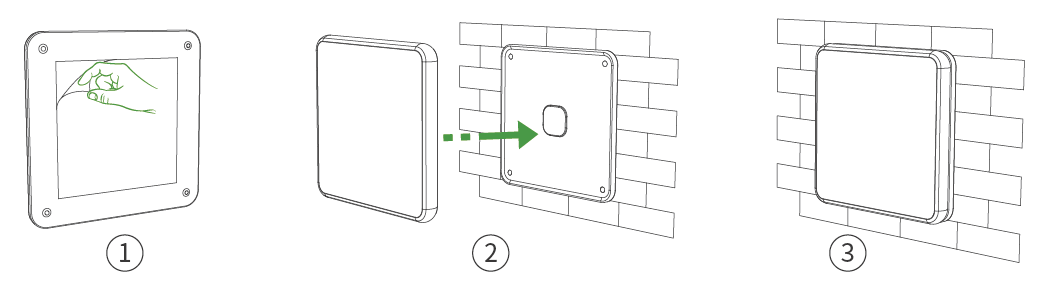
Magnetic Base Holder Installation #
- Remove the back sticker and stick it on smooth wall.
- Please ensure that the wall is clean without any dirty or oil impurities.
Descripción clave #
Short Press: ON/OFF
Long Press: Turn off light
Long Press 2S: Activate night light mode
Indicator status:
ON: Current zone is selected
Indicator Flashing: The light is OFF
Short press: Activate scenes
Long press: Save scenes
Código de enlace #

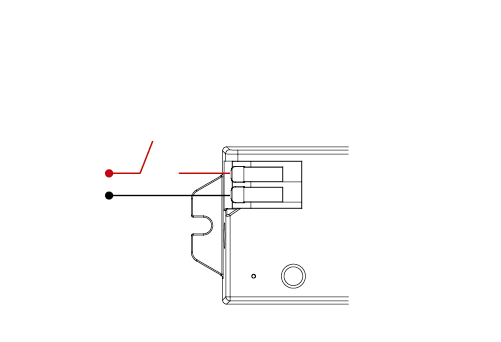
1. Power off

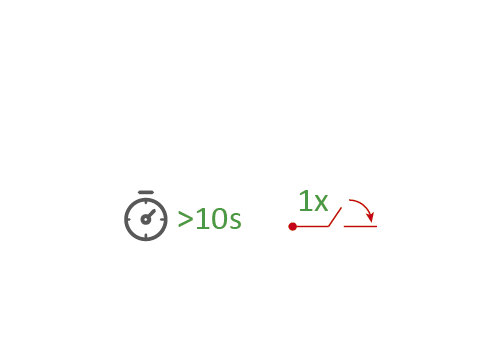
2. Turn on the light after 10 seconds
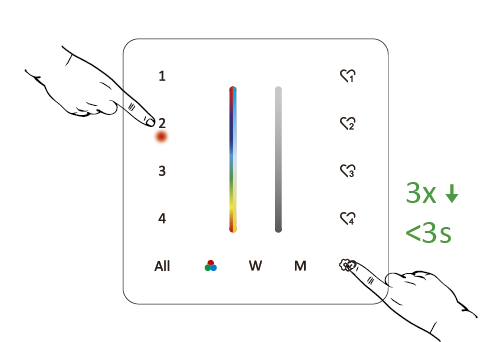
3. Short press “
” 3 times within 3 seconds
El enlace del código se realiza cuando las luces parpadean 3 veces lentamente.
Don’t use “ All ” to link code. You only can link lights into one zone on one remote.
Código de limpieza #

1. Power off

2. Turn on the light after 10 seconds
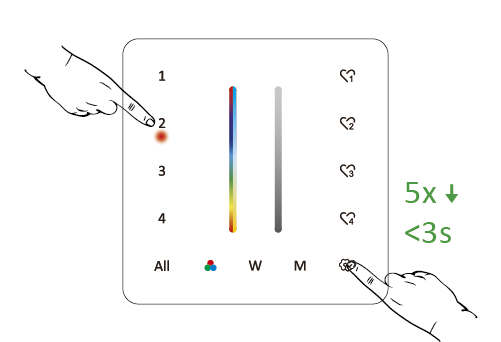
3. Short press “
” 5 times within 3 seconds
Cleaning code is done if the lights flashes 6 times quickly.
Don’t use “ All ” to Cleaning code.
RGB and Saturation Control #
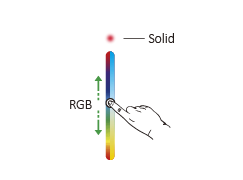
Short press ”
” one time to activate RGB control. Short press ”
” continuously to select R, G, B
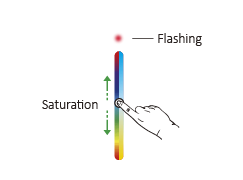
Long press ”
” one seconds to activate saturation control
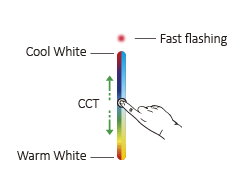
CCT and Brightness Control #
Short press ” W ” one time to activate CCT control
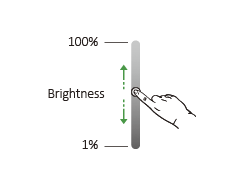
Brightness dimmable
Dynamic Mode #
Short press” M ” to activate dynamic mode
Short press” M ” continuously to change mode
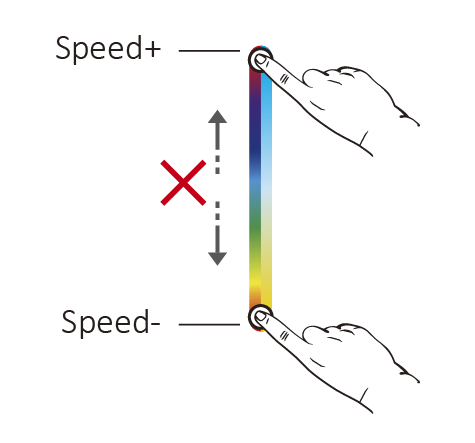
Speed: Long press ” M ” until indicator flashes to change speed
Attention: it will step out if don’t have any operation within 5 seconds
Copying Function #
The remote have copying function. It can copy linking data from other remote. Users don’t need to link current remote if copying data successfully.
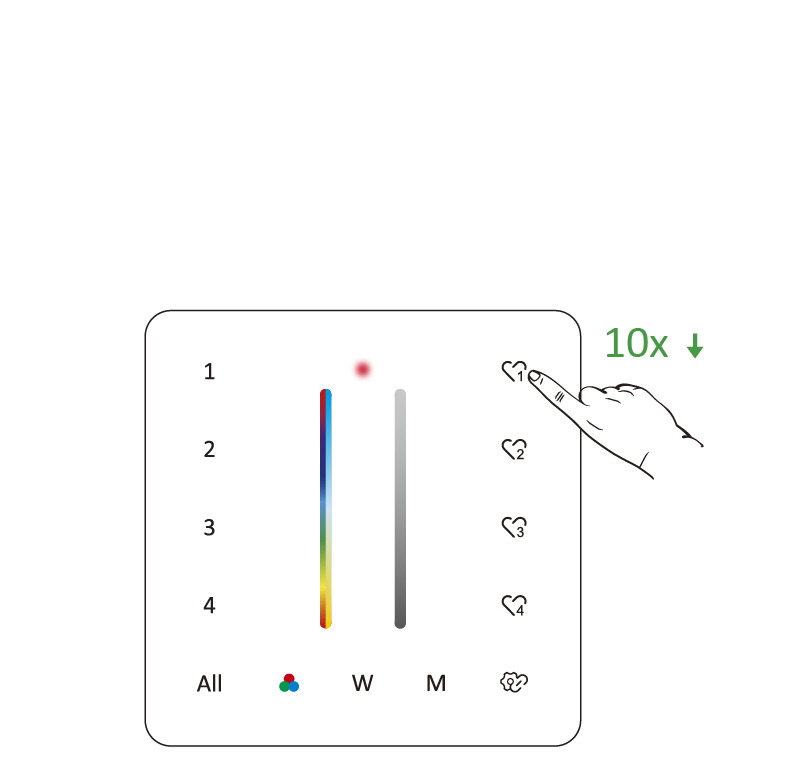
1. Activate copying function:
Press ”
” 10 times continuously
2. Press any button from another remote to finish copying.
Attention: Copying is done if indicator flashes 3 times slowly.
Clean Copying #
Press ”
” continuously 15 times until indicator flashes 6 times.
Time Setting (ON/OFF light) #
0.5S: Press ”
” 10 times continuously until the light flashes 2 times.
1.5S: Press ”
” 15 times continuously until the light flashes 2 times.
DND Mode ( ON/OFF) #
ON: Press ”
” 10 times continuously until the light flashes 4 times quickly.
OFF: Press ”
” 15 times continuously until the light flashes 4 times slowly.
PWM Frequency (High/Low) #
High: Press ”
” 10 times continuously until the light flashes 1 times.
Low: Press”
” 15 times continuously until the light flashes 1 times.
Attention: The different frequency can avoid the beeping noise from mains.
Mini Brightness #
- Long press ”
” 3S until indicator is flashing (step out automatically if remote don’t be operated within 5S). - Short press ”
” to set up 10 different levels (1%, 5%, 10%, 15%, 20%, 25%, 30%, 35%, 40%, 45%, 50%). Press any button to step out.
Lock RGB Slider #
Press”
” 15 times continuously until the indicator flashes 6 times.
Lock all Slider #
Press”
” 20 times continuously until the indicator flashes 3 times slowly.
Release Locking #
Press”
” 10 times continuously until the indicator flashes 3 times.
Key Tone ( ON/OFF) #
OFF: Long press ” All ” until the key tone is OFF.
ON: Long press ” All ” until the key tone is ON.
Atención #
- Preste atención a los polos “+” y “–” de la batería durante la instalación.
- Es mejor quitar la batería si no usas el control remoto con frecuencia.
- No utilice el control remoto cerca de superficies metálicas o magnéticas.