APP download #
Funkcje #
- This product is made by WiFi+BLE+2.4G wireless transmitting technology with low consumption and strong ability to resist signal loss.
- Support 2.4G remote control.
- Working with “Tuya Smart” app, wireless dimming, group control, timer function.
- Support Alexa, Google Assistant, Yandex Alice.
- 1-channel output, Max 1.5A.
- Trailing edge phase-cut dimming.
- Supports minimum brightness setting.
- Built-in temperature detection switch.
Parametry #
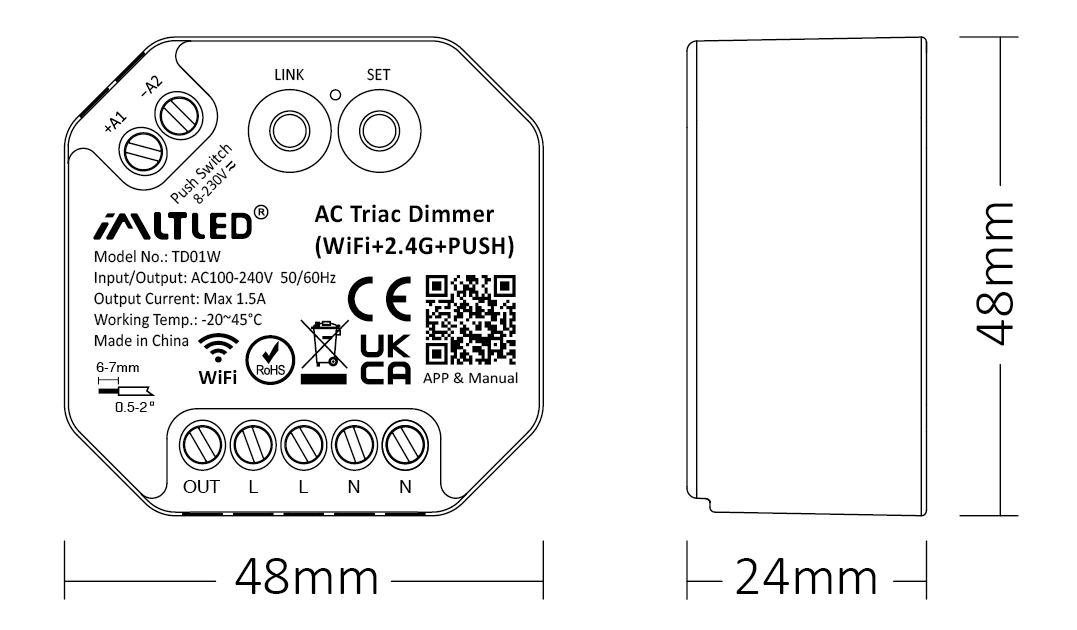
| Model No.: | TD01W |
| Input / Output: | AC100-240V 50/60Hz |
| Output Current: | Max 1.5A |
| Output Power: | 150W@110V, 300W@220V |
| Control Signal: | WiFi + 2.4G + PUSH |
| Control Distance: | 30 m |
| IP Rate: | IP20 |
| Working Temp.: | -20~45°C |
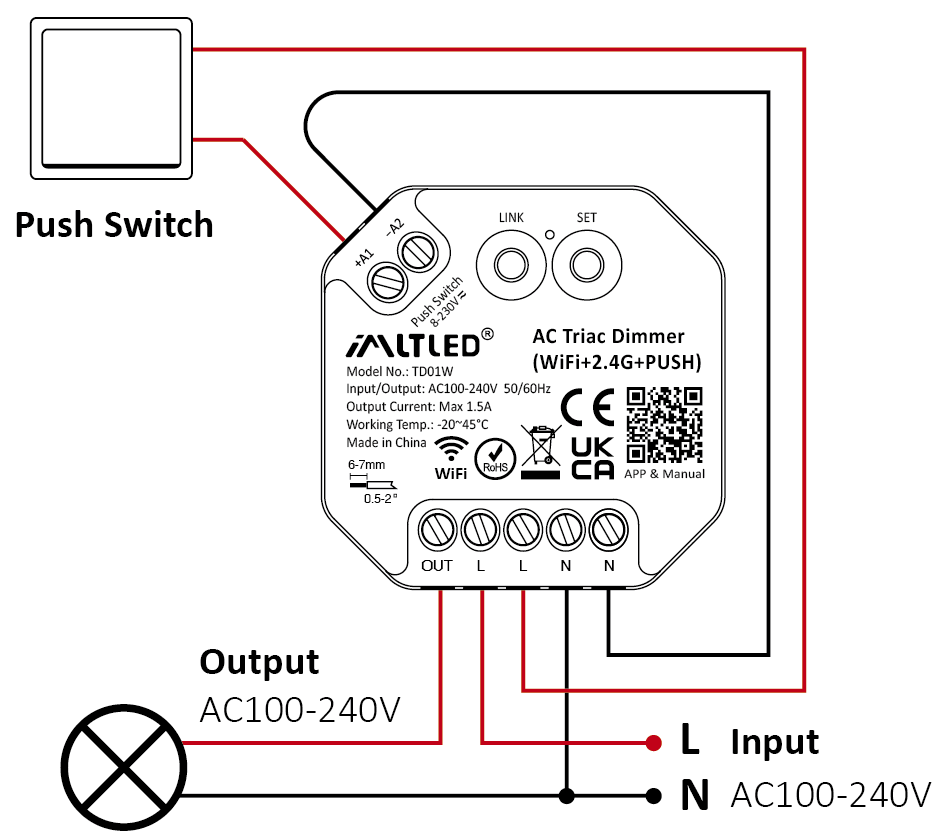
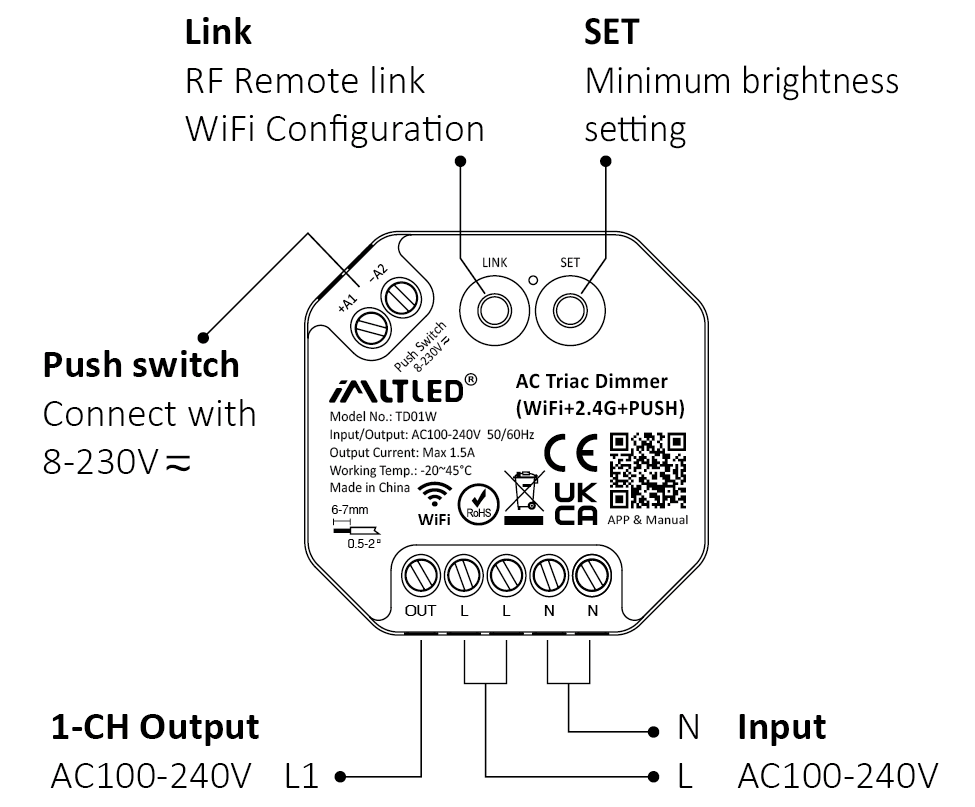
Schemat połączeń #
Uwaga
1. Przed podłączeniem urządzenia należy odłączyć zasilanie.
2. Przed podłączeniem należy sprawdzić napięcie zasilania.
3. It’s high voltage product which need to wire ground line.
PUSH Dimming #
Short press push switch : Turn on/off light
Long press push switch:
- Stepless dimming brightness
- Long press double times to increase or decrease brightness
Uwaga #
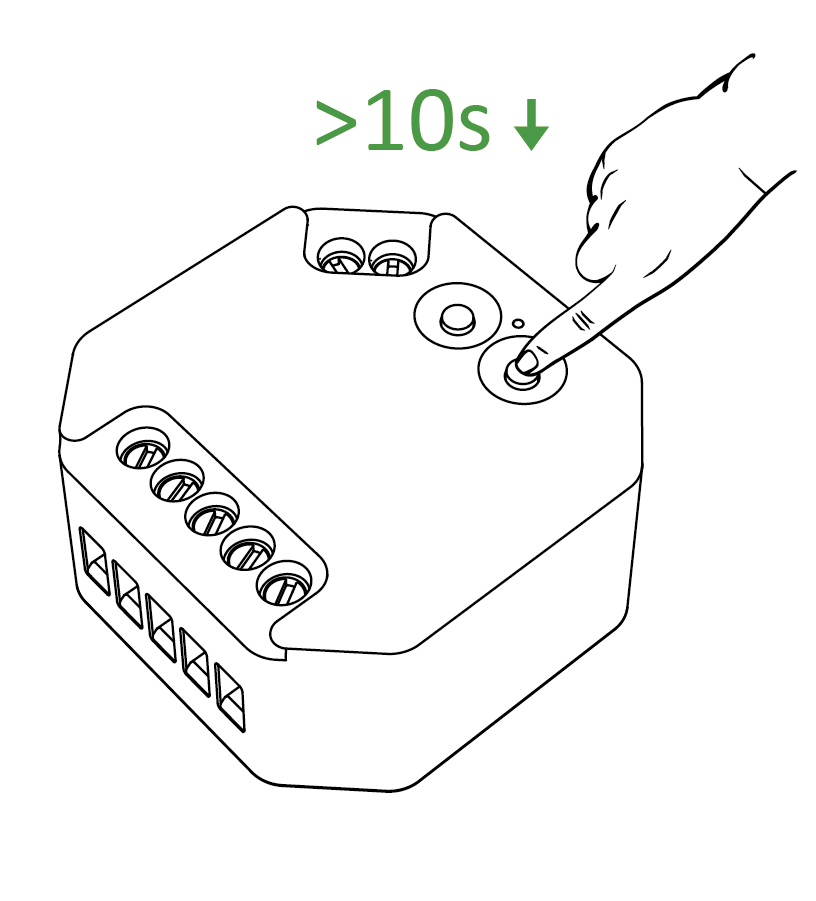
- One push switch can connect with various dimmer,please long press push switch 20 seconds to keep all lights in the same brightness.
- One push switch only connect with 25 dimmers (max)
- The cable of push switch can not be over 20m
APP Details #
Adding device #

1). Connect controller with power adapter

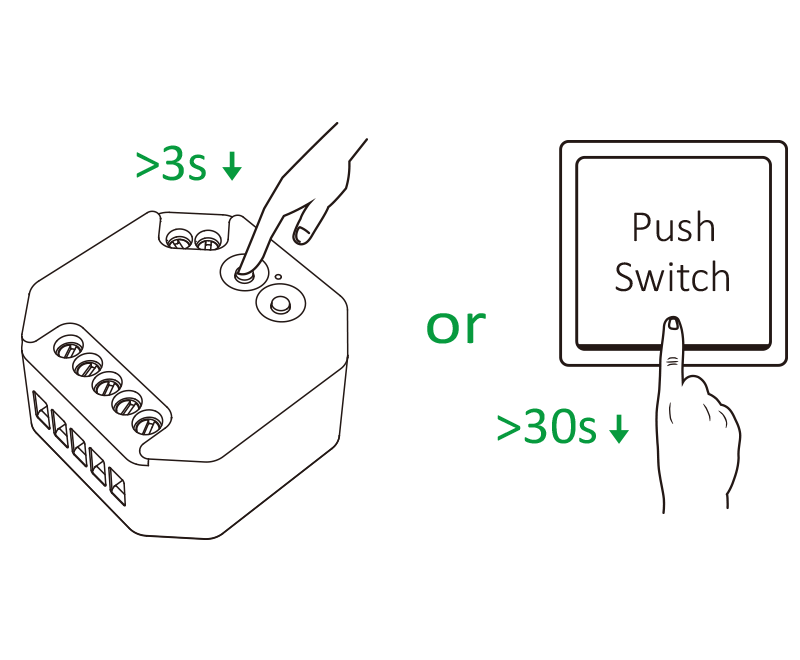
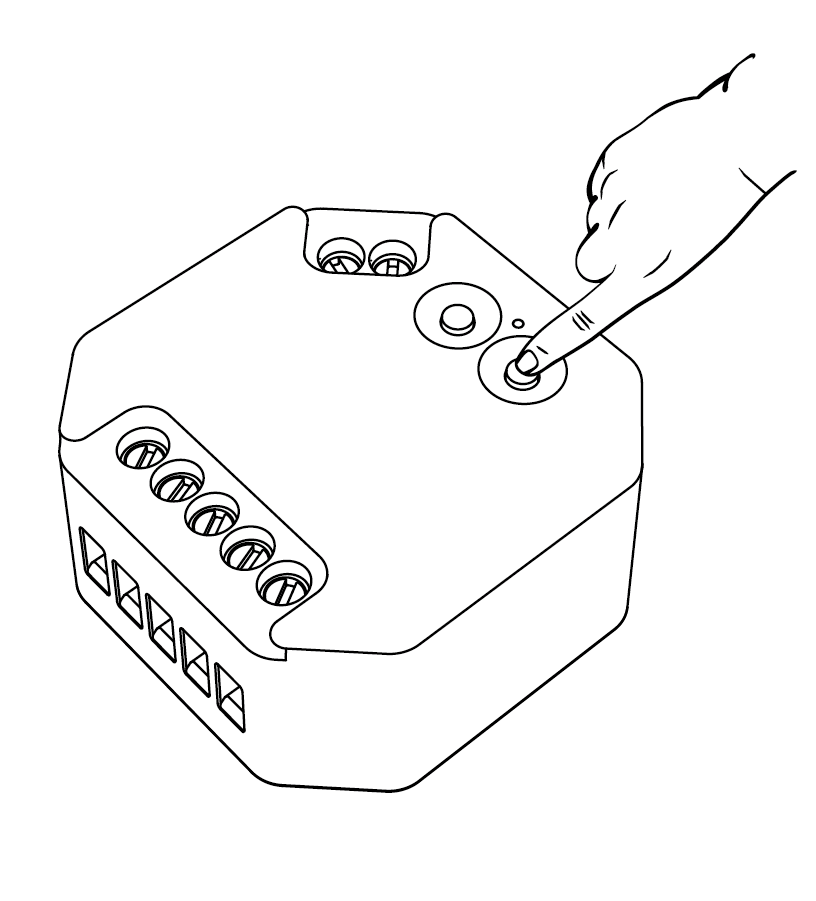
2). Long press “LINK” 3 seconds or long press “ Push Switch ” 30 seconds if indicator doesn't blink quickly

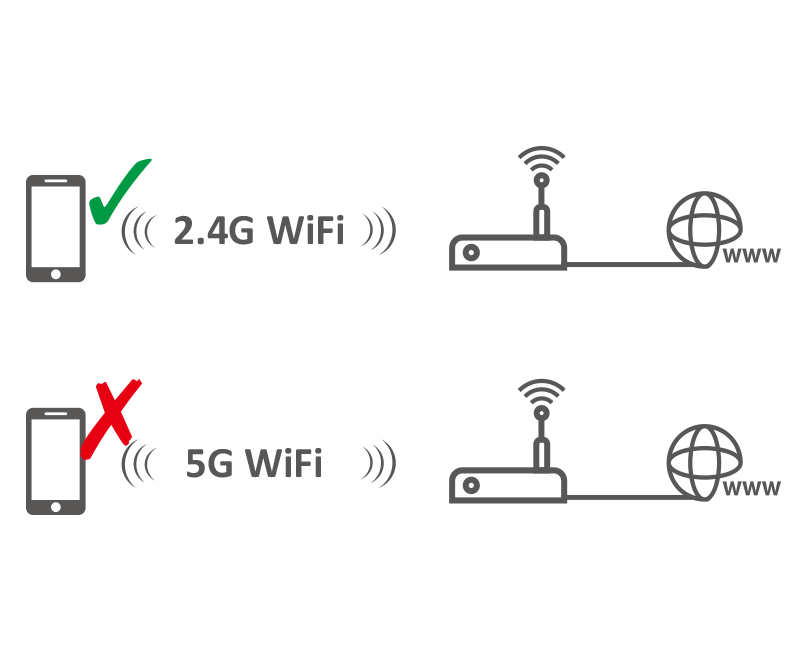
3). Connect smart phone with 2.4Ghz WiFi

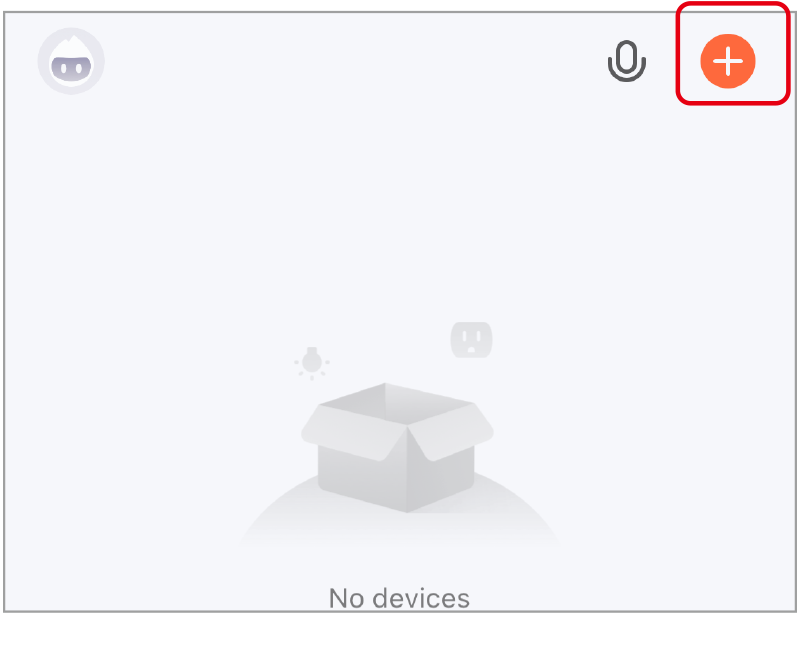
4). Click “+”

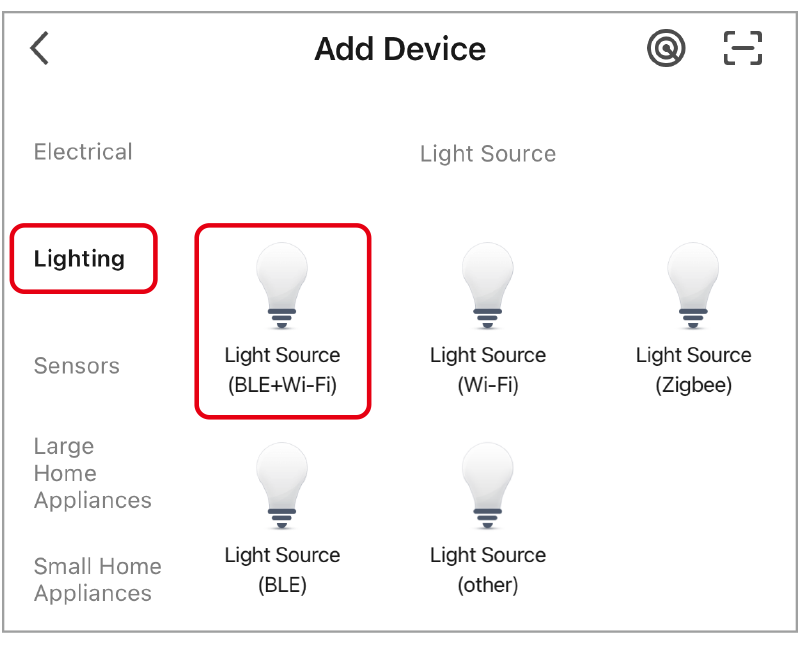
5). select “lighting” and “light source (BLE+wifi)”, finishing the rest steps in app

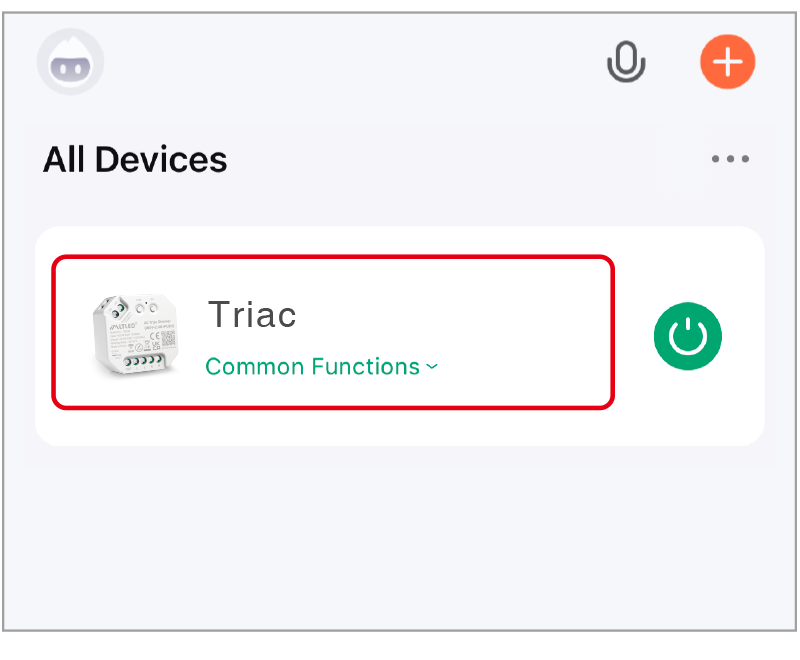
6). Click device to enter into main page
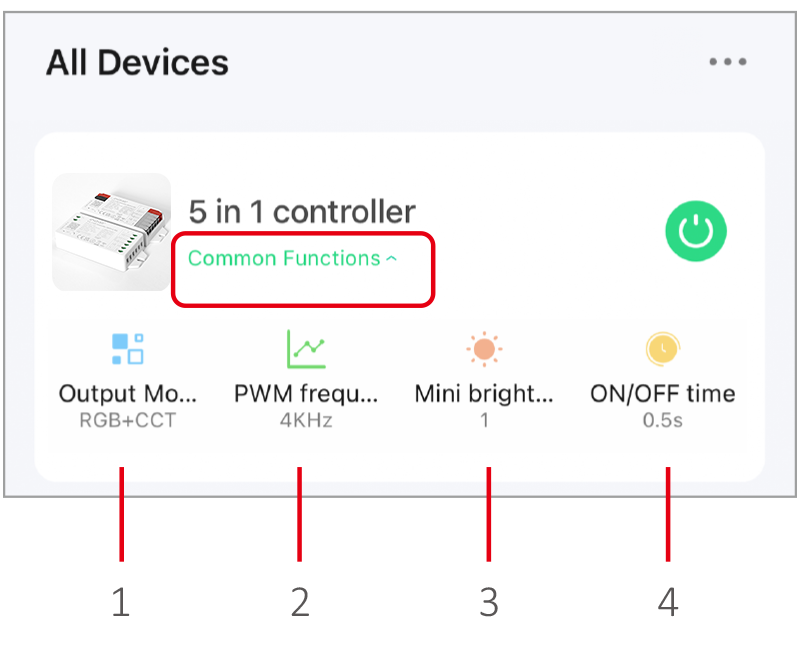
- Output mode: select correct mode to compatible with led strip.
- PWM frequency: changing different frequency to solve the noise problem from power adapter.
- Mini brightness: the lowest brightness of lights.
- ON/OFF time: the light status changes gradually( factory default time is 0.5s).
High frequency only support device with lower wattage, low frequency support device with higher wattage and have better dimming performance. (Factory default PWM frequency is 4KHz).
Voice control Details #
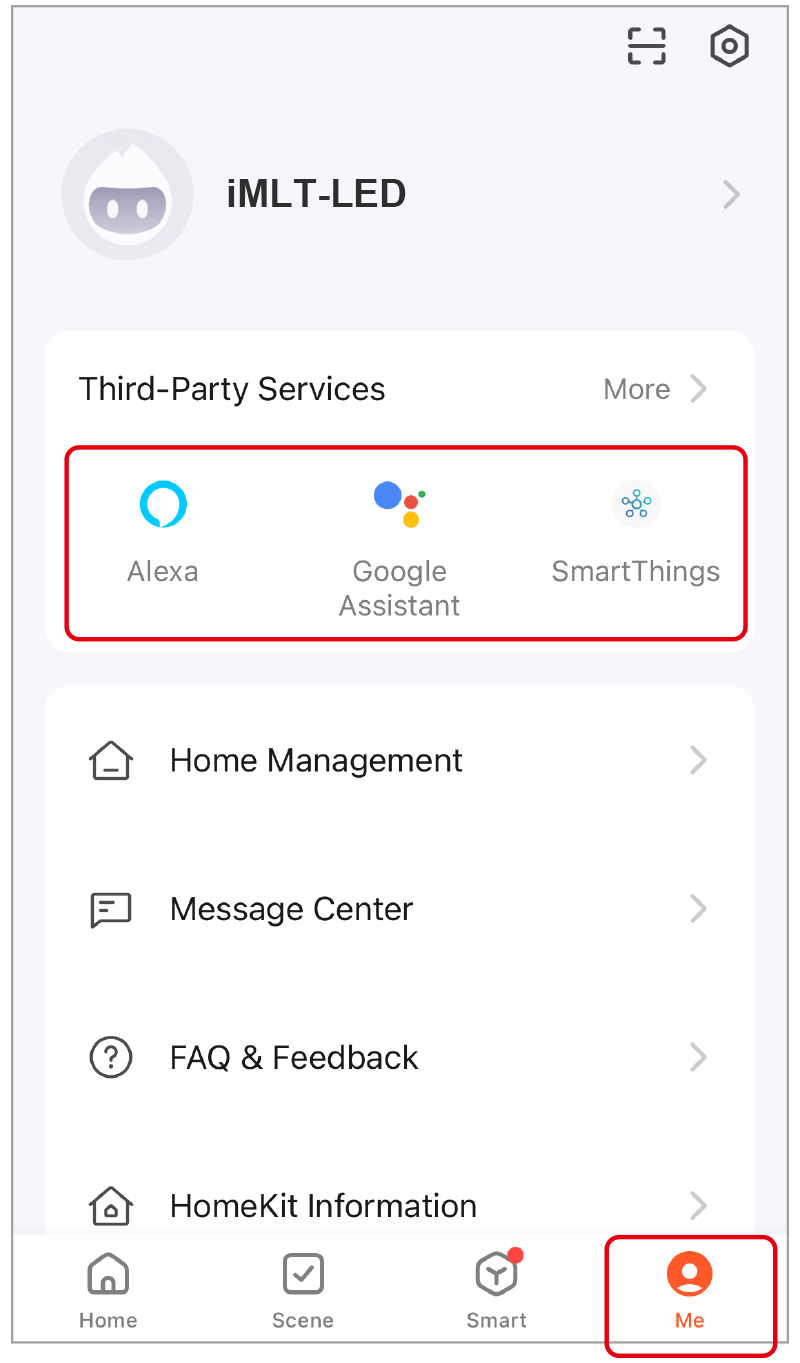
Click “Me”, select the third-party service and completed setting.
2.4G Remote Control #
Linking code (2 different solution) #
Method 1
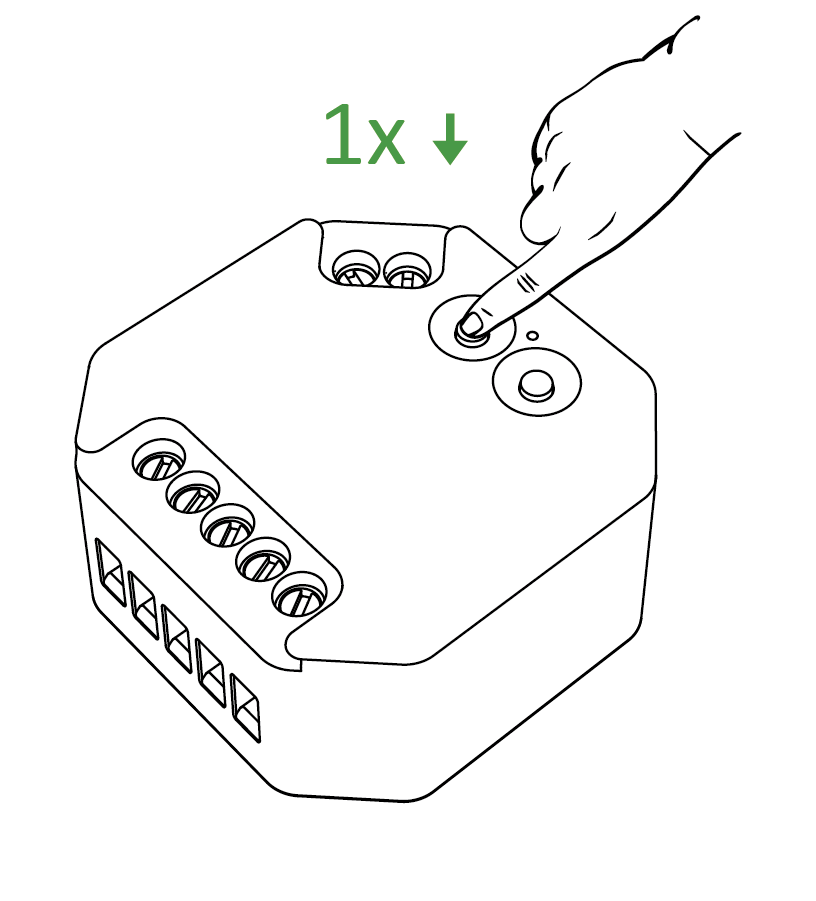
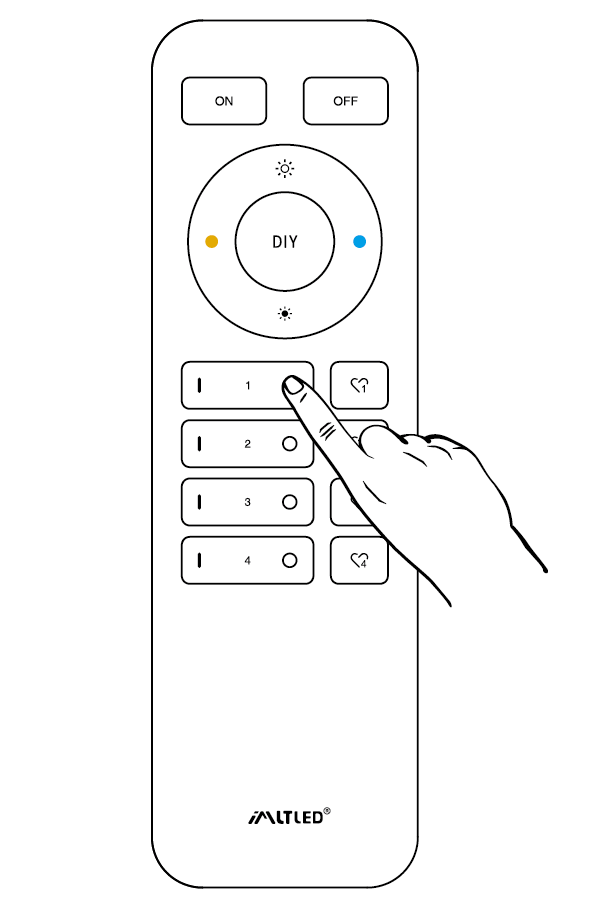
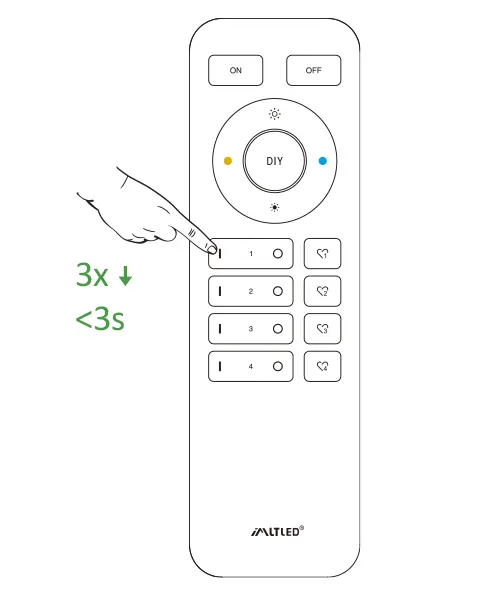
Krótko naciśnij klawisz “ LINK ” 1 time, short press “ I ” on the remote 3 times within 3 seconds.
Method 2
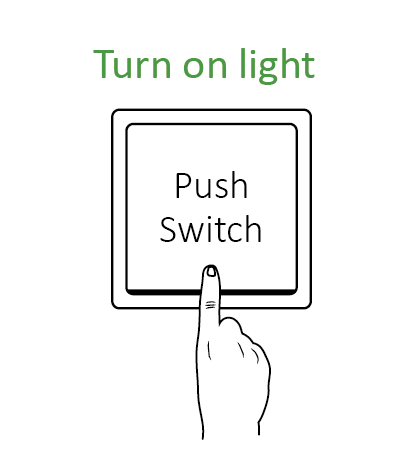
Press “ Push switch ” and turn on light, short press “ I ” on the remote 3 times within 3 seconds.
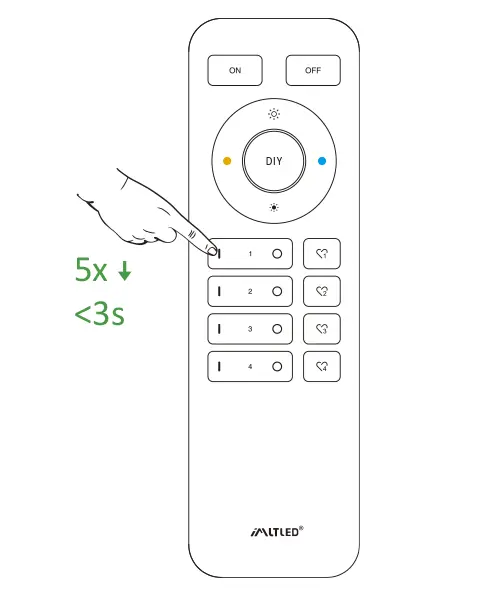
Krótko naciśnij klawisz “ I ” 3 times within 3 seconds. Linking code is done if the lights flashes 3 times slowly.
Nie używaj funkcji “Master ON” do łączenia kodów. Do jednej strefy na jednym pilocie można podłączyć tylko lampy.
Cleaning Code (2 different solution) #
Method 1
Krótko naciśnij klawisz “ LINK ” 1 time, short press “ I ” on the remote 3 times within 3 seconds.
Method 2
Press “ Push switch ” and turn on light, short press “ I ” on the remote 3 times within 3 seconds.
Krótko naciśnij klawisz “ I ” 5 times within 3 seconds.
Kod czyszczenia jest zakończony, jeśli kontrolka zamiga 6 razy w krótkich odstępach czasu.
Mini Jasność #
Preventing the light is off or flashing while dimming it to lower brightness.
Method 1
Short press “set” continuously to set up 10 kinds of brightness ( 1%, 5%, 10%, 15%, 20%, 25%, 30%, 35%, 40%, 50%).
Method 2
- Długie naciśnięcie przycisku “
” lub “
” in group zone 6 seconds until light flashes one time.
- Krótko naciśnij klawisz “
” lub “
” in group zone to set up 10 kinds of brightness.
Czas włączenia/wyłączenia #
Stan światełka zmienia się stopniowo (domyślny czas ustawiony fabrycznie wynosi 0,5 s).
1,5 s: Naciśnij krótko przycisk “ON” 1 raz, a następnie naciśnij krótko przycisk “OFF” 5 razy w ciągu 3 sekund; ustawienie zostanie zakończone, gdy lampka powoli zamiga 2 razy.
0,5 s: Naciśnij krótko przycisk “OFF” 1 raz, a następnie naciśnij krótko przycisk “ON” 5 razy w ciągu 3 sekund; ustawienie zostanie zakończone, gdy lampka mignie 2 razy szybko.
ON/OFF Dimming mode #
Shut down dimming mode ( activate ON/OFF mode) #
Długie naciśnięcie przycisku “SET” 10 seconds, dimming mode is shut down while indicator flashes 3 times slowly.
Activate dimming mode #
Długie naciśnięcie przycisku “SET” 10 seconds, dimming mode is activated while indicator flashes 3 times quickly.
Uwaga #
- Please cut off power before wiring device.
- Please check the voltage of power before connecting.
- Nie należy go rozmontowywać, jeśli nie jest się ekspertem.
- Nie należy używać tego urządzenia w miejscach, gdzie występują pola magnetyczne lub w otoczeniu metali.