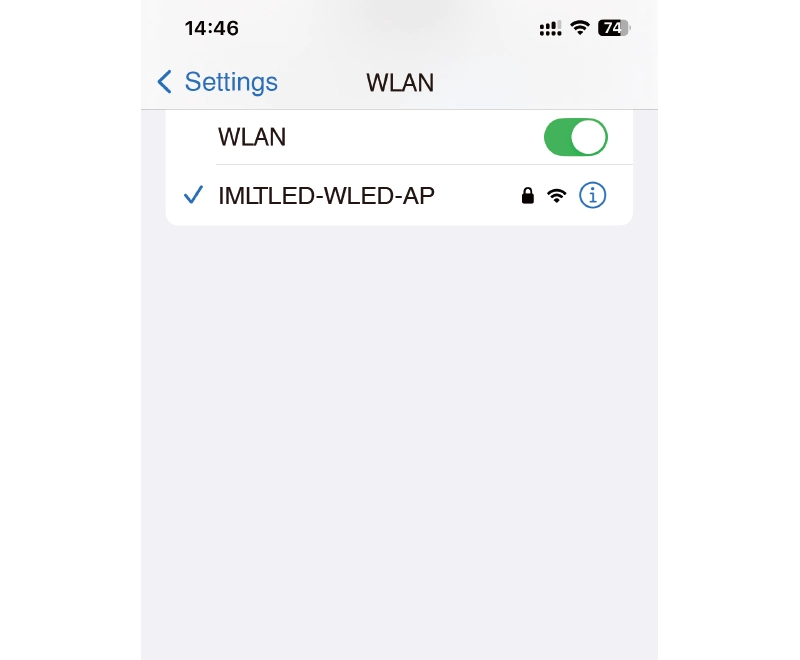
2. Connect with “IMLTLED-WLED-AP” in WLAN setting of your phone. (password: wled1234)
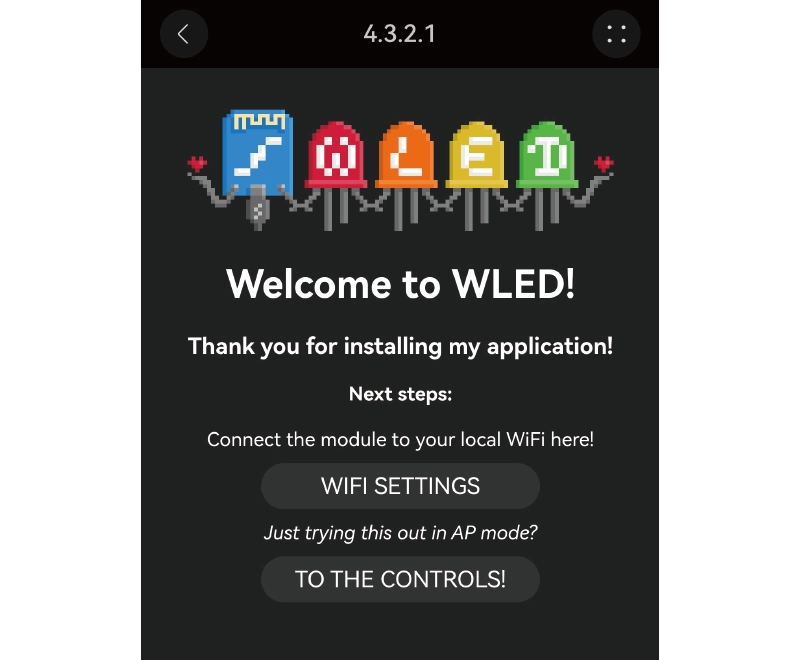
3. The WLED PAGE will come out automatically once connecting completed. If it does not display automatically, please enter into http://4.3.2.1 from browser
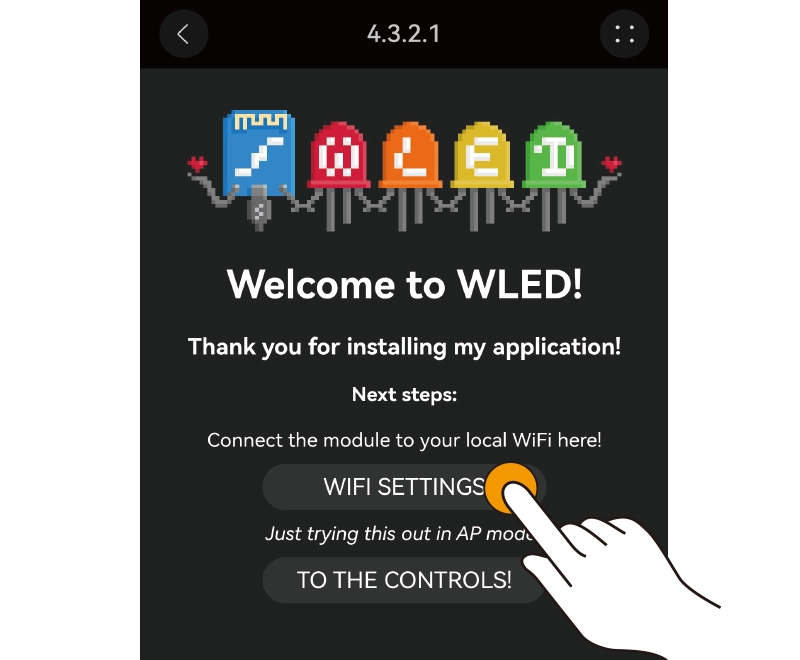
4. Click “WIFI SETTINGS”
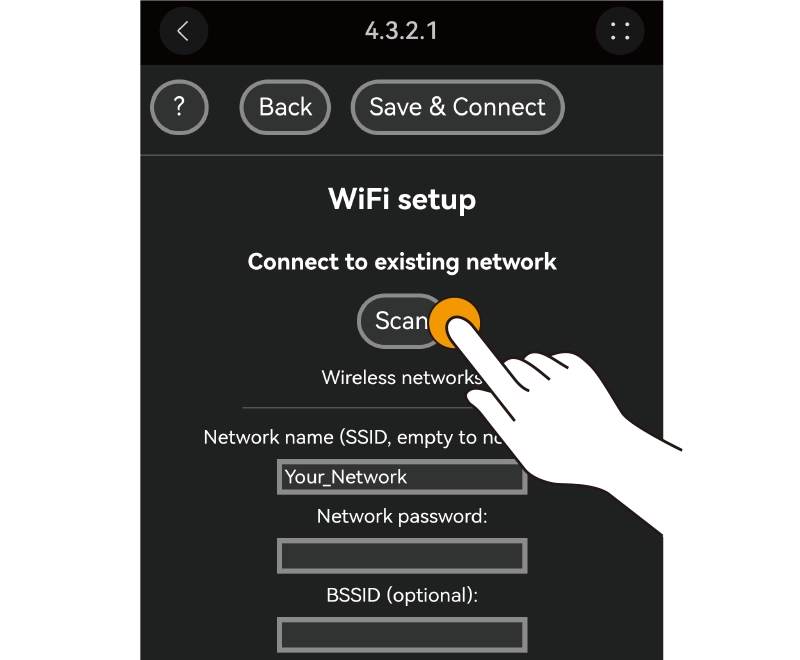
5. Click “Scan”
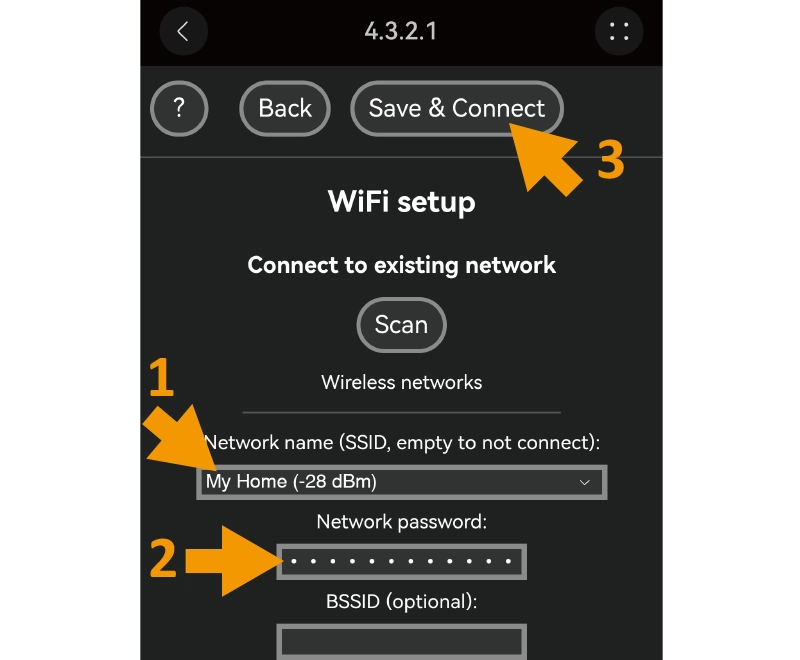
6. Select wifi network, tap into password and click ”Save& connect”
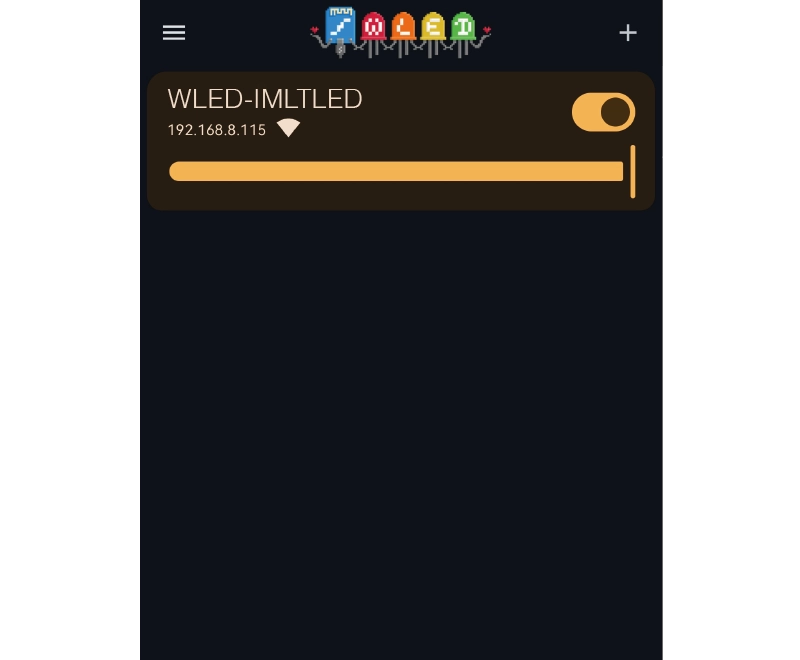
7. Ensure your phone and controller in the same network, enter into WLED APP to get controller in device list.
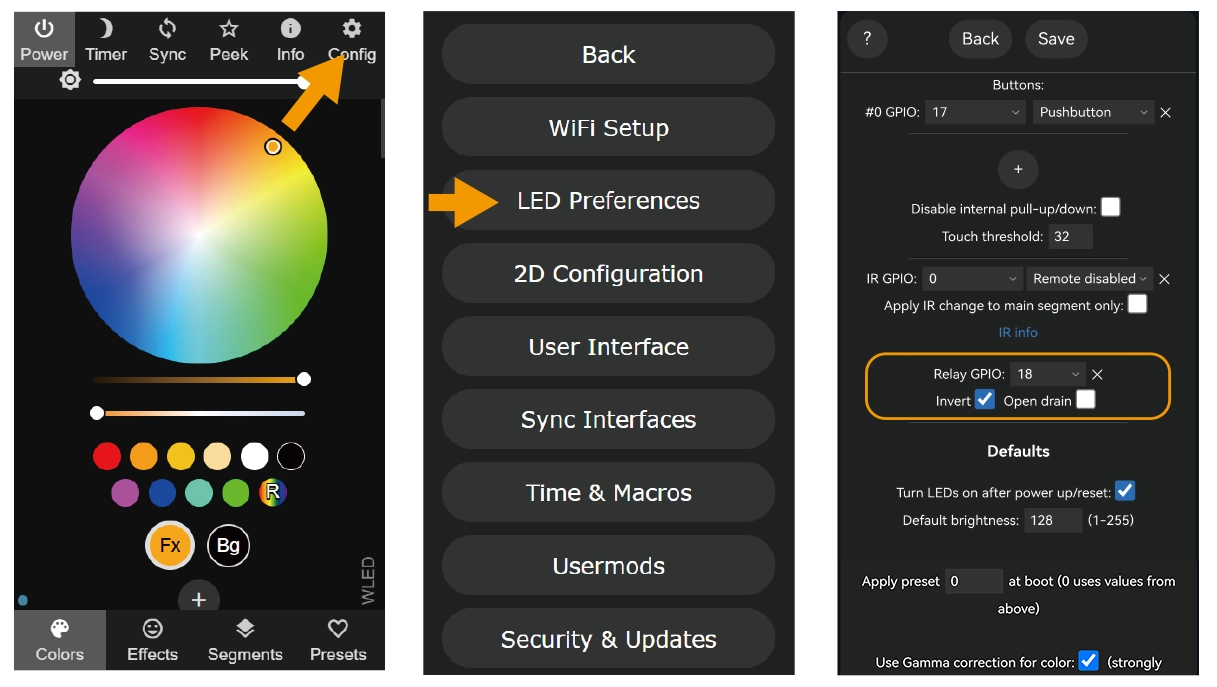
Open the WLED control page → Config → LED Preferences → Set Relay GPIO = 18, enable Invert, and tap Save.
Note: When the lighting fixtures is turned off via the app, remote control, or push switch, the power supply of output terminals will be cut off to save energy.
Please note that this function is not used for auxiliary (supplementary) power supply.